
Automated Email Follow-Up for B2B Lead Generation
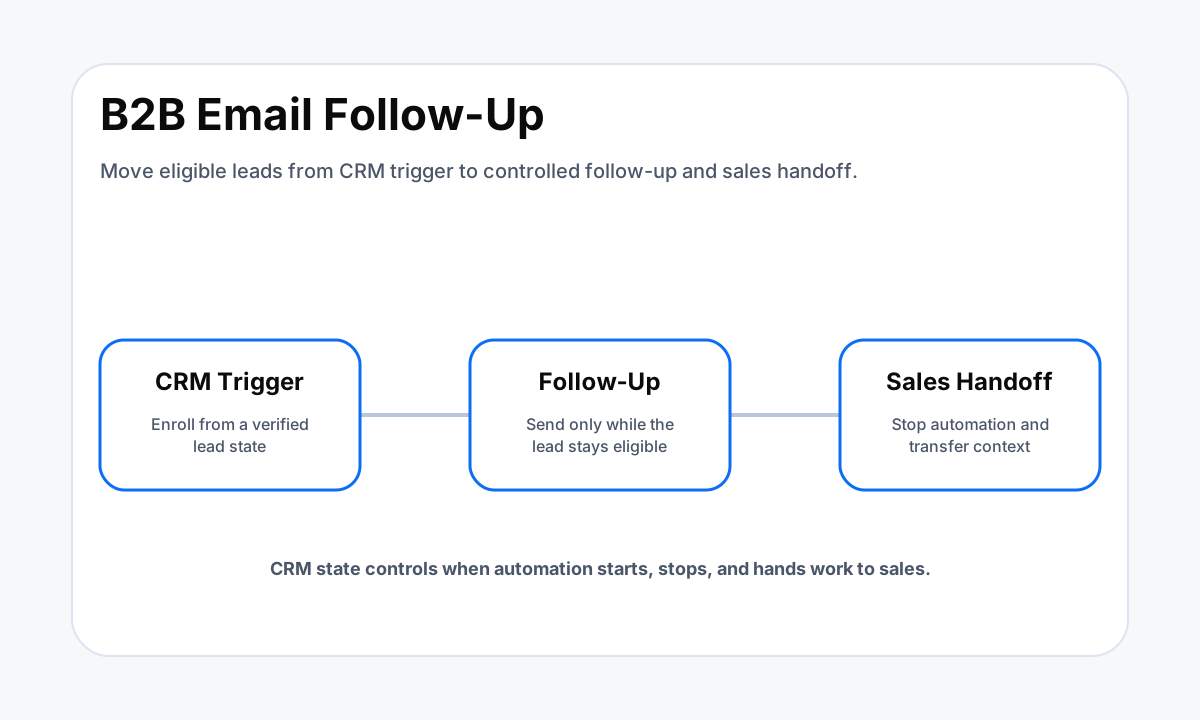
Automated email follow-up for B2B lead generation should start from verified CRM states, stop on replies or opt-outs, and hand active leads to a person.
TL;DR
- Enroll contacts from a verified CRM state, not from a vague assumption that every new record deserves the same sequence.
- Define reply, opt-out, booking, ineligibility, and human-handoff stop rules before turning on the first automated email.
- Keep sender authentication, suppression, compliance, and deliverability controls inside the implementation scope.
- Measure business states such as replies, qualified handoffs, meetings, and pipeline movement instead of treating opens as the finish line.
Automated Email Follow-Up for B2B Lead Generation
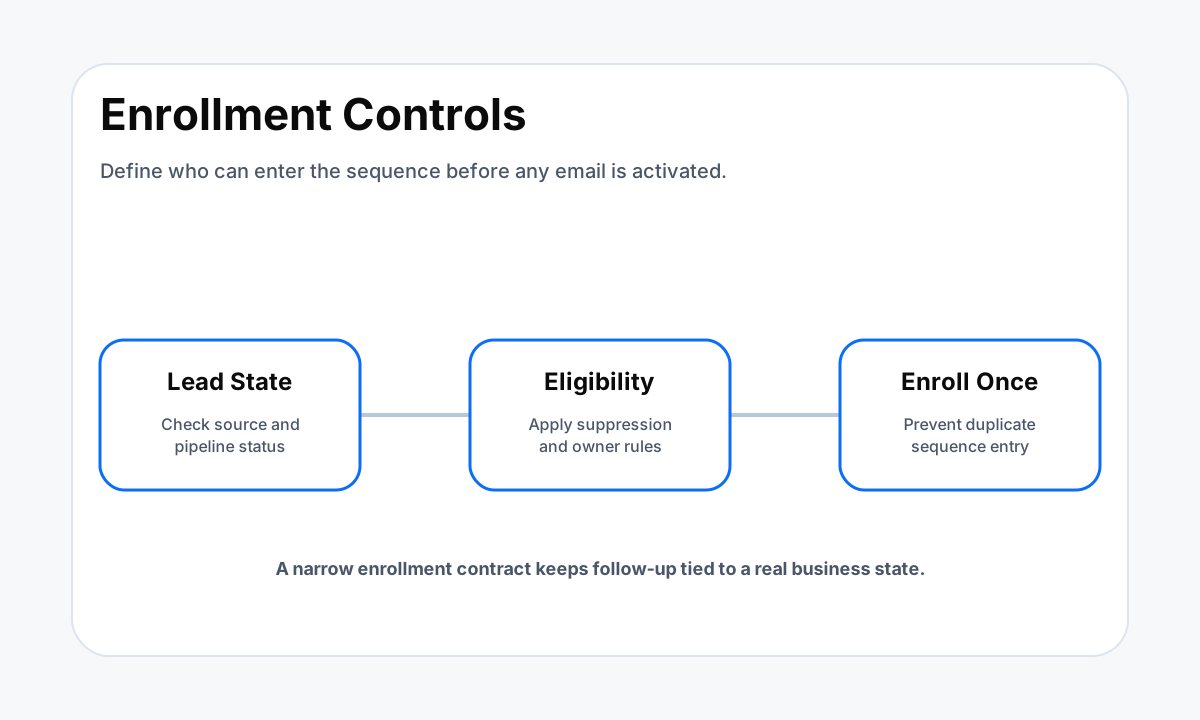
The first design question is not what the second email should say. It is which contact is allowed to enter the sequence. Write the enrollment contract in CRM terms that another person can verify.
That can include lead source, lifecycle stage, owner, requested service, company fit, geography, consent or communication preference where applicable, and the event that created the follow-up obligation.
HubSpot's current workflow documentation treats enrollment criteria as an explicit part of workflow setup, while HighLevel supports workflow actions that send email after defined triggers and conditions. The platform details differ, but the operating principle is the same.
A sequence should begin because a durable business state says the lead is eligible, not because someone copied a contact into a list and hoped the automation would sort it out.
Define one source of truth for the state that controls follow-up. If the CRM says a contact is already a customer, disqualified, opted out, or assigned to a human-owned sales process, the email workflow should respect that state. If several systems can change eligibility, decide which one wins and how changes are synchronized before adding more messages.
Build the CRM Entry and Stop Rules Before the Email Copy
Enrollment logic and exit logic belong in the same design. HighLevel documents contact-change triggers that can react to tags, custom fields, assignment changes, and do-not-disturb status. It also recommends conditions and filters when repeated contact changes could otherwise create unnecessary actions.
That makes a useful checklist for any CRM: define what starts the sequence, what can re-enter it, and what makes the contact permanently or temporarily ineligible.
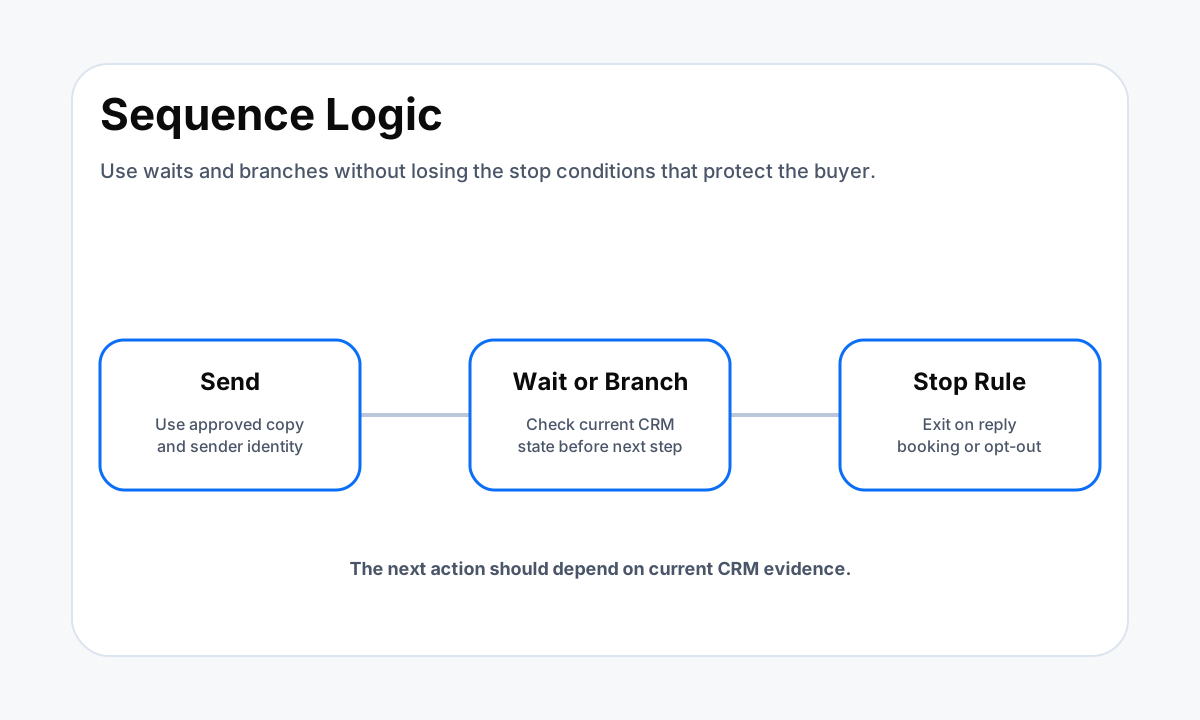
Common stop conditions include a verified reply, an opt-out, a booked next step, a move to a human-owned opportunity stage, an invalid address, a closed or disqualified lead, or another explicit suppression state. The exact list depends on the sales process.
A workflow that keeps sending after a meaningful reply is not just awkward. It means the automation and sales process disagree about ownership.
Use an enrollment marker or equivalent idempotency control when duplicate entry would create duplicate sends. If a lead can arrive through more than one form or integration, test those paths together. HWA's sales pipeline automation examples show why stage transitions and ownership rules should be designed before downstream actions depend on them.
Design Timing, Branching, and the Human Sales Handoff
A useful sequence is a controlled progression toward one next step. An example might send an initial follow-up, wait for a defined period, check whether the contact replied or moved stages, and then choose the next approved action. That is an implementation example, not a universal cadence.
The right timing depends on how the lead entered, what the buyer asked for, the normal sales cycle, and what the team can support.
Branch on business evidence when possible. A reply, meeting, qualification field, owner change, or pipeline movement is usually more actionable than an email open by itself. Opens can be noisy because privacy features and mailbox behavior can distort them. The workflow should therefore treat engagement signals as context while using durable CRM events to control consequential actions.
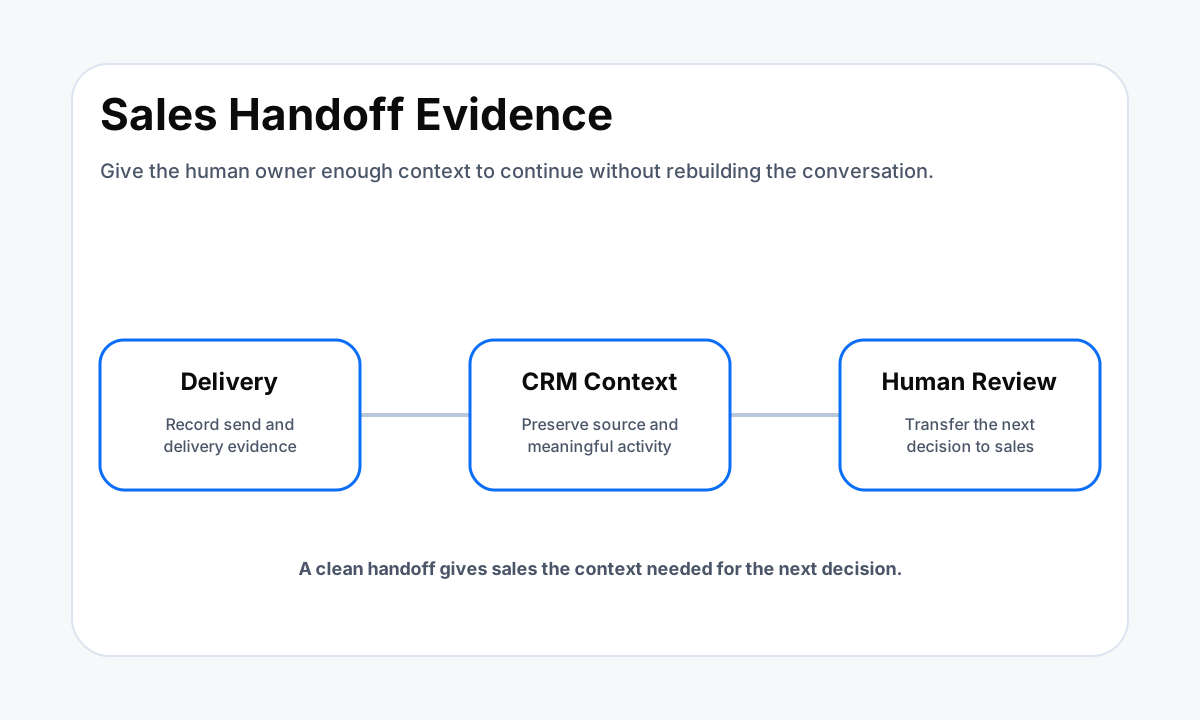
The human handoff needs a clear payload. When a lead replies or reaches a sales-owned state, the rep should receive the contact, company, lead source, relevant form answers, sequence status, last meaningful interaction, and the decision or next step required. The rep should not have to reconstruct the automation history from several tools.
If fast lead response is part of the sales motion, HWA's lead response workflow guide explains how the trigger, routing, and ownership pieces fit together.
Deliverability and Compliance Belong in the Build
Commercial email automation is not only a copywriting project. The Federal Trade Commission's current CAN-SPAM guidance says the law covers commercial email and does not create a separate business-to-business exemption.
Its guidance addresses truthful header information and subject lines, a valid physical postal address, a clear opt-out method, and honoring opt-out requests. Businesses should review the current rule and any other laws or contractual requirements that apply to their audience before launch.
Sender configuration matters too. Google's current email sender guidance emphasizes authentication, low spam rates, and easy unsubscribe for senders subject to its bulk-sender requirements. Even below bulk thresholds, the implementation should have a real sending domain, correct authentication for the chosen provider, suppression handling, and a process for delivery failures.
Do not solve a sender problem by writing more aggressive follow-up copy.
Make the operational owner visible. Someone should know where opt-outs are stored, how a sender is paused, how bounced addresses are handled, and which workflow must stop if the domain or provider develops a problem. A setup partner can implement those controls, but the business still owns the audience, the commercial purpose, and the decision to send.
What the Client Owns and What the Implementation Partner Owns
The client owns the sales policy. That includes which leads are eligible, what qualifies as a meaningful response, which offers or claims are approved, who receives replies, what counts as a sales handoff, which contacts must be suppressed, and which system is authoritative.
The client should provide representative lead sources, current pipeline stages, existing email domains, sender identities, examples of replies, and edge cases that the workflow must handle.
The implementation partner owns the technical build inside the approved scope. That can include field mapping, trigger logic, waits, branches, stop rules, sequence configuration, sender setup, suppression logic, testing, logging, and handoff documentation. The partner should be able to explain what happens to a contact at each state without relying on a hidden prompt or an undocumented manual step.
An internal team can own the project when it already has CRM administration, email infrastructure knowledge, and time to test the whole path. A project-based partner fits when the business needs a bounded implementation and handoff. Ongoing support fits when the workflow will require monitoring, optimization, or regular changes. HWA's CRM automation implementation partner guide covers the broader ownership decision.
Example 30, 60, and 90 Day Implementation Plan
An example first 30 days can focus on one lead source and one measurable next step. Map the required CRM fields, define eligibility and suppression, configure the sending identity, build a bounded sequence, connect reply and booking stops, and test the complete record path.
Use test contacts that cover normal enrollment, duplicate entry, missing data, reply, opt-out, booking, and disqualification. The goal is a controlled first version, not maximum message volume.
By day 60 in this example, review production evidence. Compare who enrolled with who should have enrolled. Review delivery problems, replies, opt-outs, qualified handoffs, meetings, and pipeline movement. Look for contacts that stayed in automation after ownership should have moved to sales.
Fix trigger or state logic before rewriting every email. Copy changes matter, but they cannot repair a workflow that sends to the wrong people.
By day 90, decide whether the sequence is stable enough to expand. Expansion might mean another lead source, a different segment, a second sales route, or an additional channel. It can also mean keeping the scope unchanged.
A healthy system has named owners, documented rules, repeatable tests, a clear pause mechanism, and reporting tied to the next business state rather than message volume alone.
How to Evaluate a B2B Email Follow-Up Setup Partner
Ask the provider to describe enrollment and exit conditions before discussing subject lines. A strong answer should name the source of truth, required fields, trigger, re-entry policy, reply behavior, opt-out path, duplicate control, sales handoff, and evidence used to verify that each step worked.
Ask what happens when a contact already exists, enters twice, replies from another thread, changes owner, or becomes ineligible during a wait.
Ask what you receive at handoff. Useful deliverables include a sequence map, CRM field list, workflow inventory, sender configuration notes, suppression rules, test cases, owner list, reporting definitions, and instructions for changing or pausing the system. Ask which parts depend on your current CRM plan or email provider so the scope is clear before implementation begins.
Finally, ask how the partner separates measured outcomes from assumptions. A provider should not promise a reply rate, meeting rate, or revenue result without evidence from your own audience and sales process. The build should create the data needed to learn safely, then use that evidence to decide whether copy, timing, segmentation, or workflow logic should change.
Sources
Need B2B follow-up connected to the CRM you already use?
Help With Automation can map the lead states, sender controls, sequence logic, stop rules, reporting, and sales handoff as one controlled workflow.
Related resources
Frequently Asked Questions
What should trigger automated B2B email follow-up?
Use a verified CRM event that represents an eligible lead state, such as a qualified form submission, a specific pipeline stage, an approved tag, or another defined field change. The trigger should be narrow enough that the business can explain exactly why each contact entered the sequence.
When should an automated follow-up sequence stop?
Stop or route the sequence when the contact replies, opts out, becomes ineligible, books the intended next step, reaches a human-owned sales state, or hits another business-defined suppression condition. The stop rules should be designed before the first email is activated.
How many emails should a B2B follow-up sequence include?
There is no universal number that fits every audience or sales motion. Start with a bounded sequence tied to a specific objective, watch replies, opt-outs, delivery outcomes, and sales handoffs, then adjust from actual evidence instead of adding messages simply to make the sequence longer.
Does CAN-SPAM apply to B2B commercial email?
The Federal Trade Commission states that the CAN-SPAM Act applies to commercial email and does not create a business-to-business exception. Businesses should review the current FTC guidance and any other rules that apply to their audience and location before launching a commercial sequence.
What should an email follow-up implementation partner deliver?
A useful handoff should include the enrollment logic, CRM fields, suppression rules, sequence map, sender configuration, ownership rules, test cases, reporting fields, and instructions for changing or pausing the workflow. The business should not be left with only email copy and no operating documentation.