
Salesforce to HubSpot Migration: Implementation Checklist
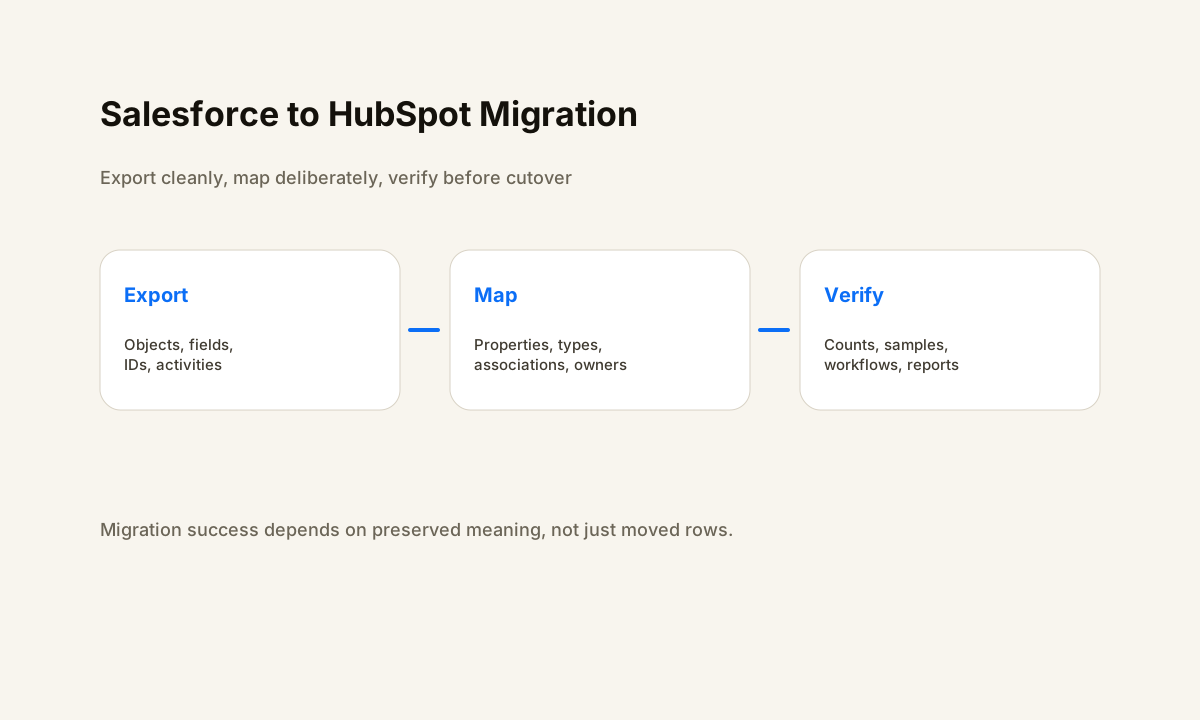
Salesforce HubSpot migration work is not just a CSV transfer. The goal is to preserve business meaning, record relationships, ownership, and downstream workflows while moving the CRM source of truth.
TL;DR
- Inventory the Salesforce objects, custom fields, IDs, owners, activities, and automations the business still depends on.
- Map the destination data model before importing so contacts, companies, deals, and relationships keep their intended meaning.
- Run small test imports and reconcile errors before the final cutover.
- Verify workflows, routing, reports, ownership, and user access after the data lands.
Planning a CRM migration without breaking live workflows?
HWA can map the current CRM, destination properties, automation dependencies, cutover plan, and verification checklist before the move.
Inventory the Salesforce Data the Business Actually Uses
Start with a live inventory, not an assumption that every Salesforce field deserves a home in HubSpot. Record the objects in use, custom fields, record types, owners, pipeline stages, IDs, activities, integrations, reports, and automations that depend on them. Separate required operational data from stale fields, abandoned experiments, duplicate properties, and history that only needs to be archived.
Salesforce's Data Export service can generate CSV backup files of org data. That export is useful as a source snapshot, but a raw export is not yet a migration design. The team still needs to decide which data belongs in HubSpot and how source identifiers will be retained for reconciliation.
Include dependencies outside the CRM. A form may create a Salesforce lead, an integration may update an account field, and a reporting process may read opportunity stages. If those dependencies are not documented, the data can look complete after import while the business process quietly stops working.
Map Objects, Fields, Types, and Associations Before You Import
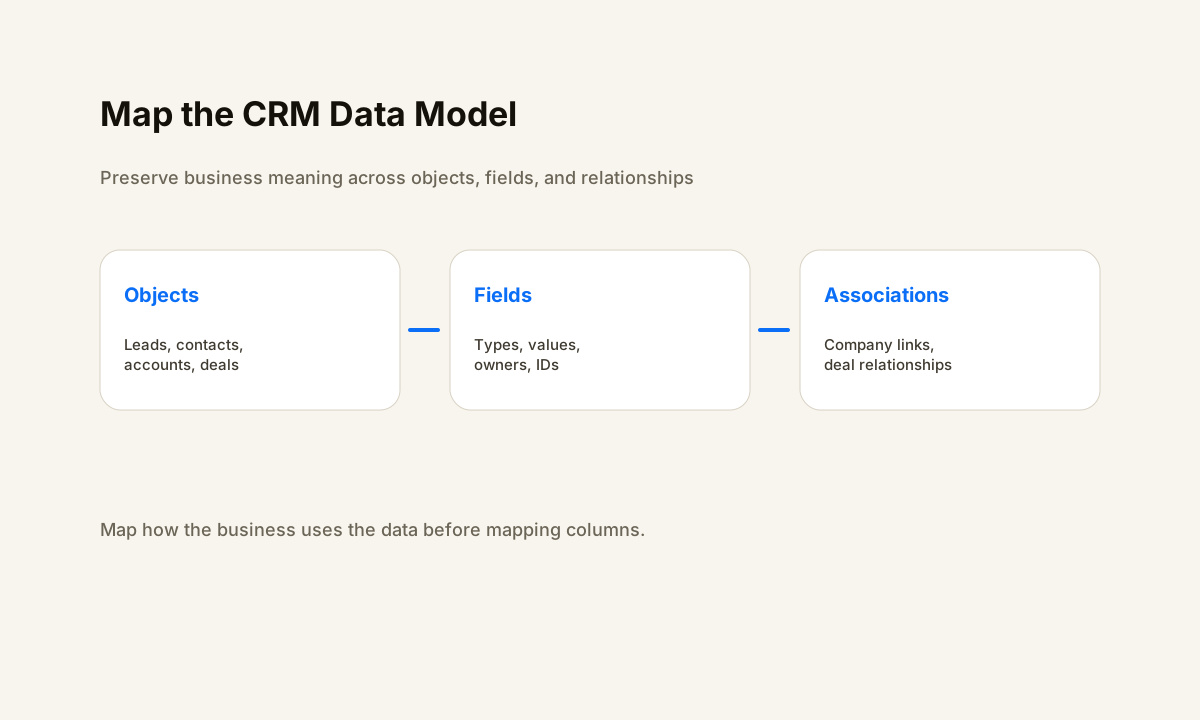
HubSpot's import tooling can create or update multiple CRM objects and associate records when the import files contain the right identifiers. That means the migration design should map Salesforce leads, contacts, accounts, opportunities, and relevant activities to the HubSpot objects the team will actually operate.
Build a field-mapping table before touching production. For each source field, record the Salesforce object, source API name, data type, example values, destination HubSpot property, destination type, transformation rule, owner, and whether the field is still needed. Pay special attention to picklists, owner IDs, dates, booleans, currencies, record types, and values used by automation.
Do not treat associations as an afterthought. A contact without its company or a deal without the right associated people may technically exist but still be operationally wrong. HubSpot supports multi-object imports and associations, so define the shared identifiers and import order before the cutover.
If Salesforce and HubSpot will coexist temporarily, HubSpot also provides Salesforce field mapping for its native integration. Review those mappings carefully so the temporary sync direction does not overwrite values the migration is trying to establish.
Clean, Deduplicate, and Preserve Identifiers Before the Move
A migration is the wrong time to copy known data problems into a new CRM. Normalize values that will become dropdowns, resolve obvious duplicate contacts or companies, identify records with missing ownership, and document invalid or obsolete values that require a transformation.
Keep a source record ID in the destination when practical so every imported record can be traced back during reconciliation.
Unique identifiers are especially important because HubSpot imports can create new records, update existing records, or do both depending on the import configuration. Decide what identifier makes each object unique before the test import. If the team changes that rule halfway through the move, duplicates become harder to diagnose.
Do not delete source data merely because it is excluded from the operational CRM. Some historical information may belong in an archive instead. The migration scope should say what moves, what stays archived, and what is intentionally retired. If the source data is already inconsistent, a CRM data quality review can be a useful prerequisite.
Run Representative Test Imports Before the Final Cutover
Use a small but representative sample that includes ordinary records and edge cases. Test multiple owners, custom fields, deals at different stages, contacts with and without companies, historical activities, unusual field values, and records that already exist in HubSpot. The goal is to expose mapping and association problems before the final import carries them across the full dataset.
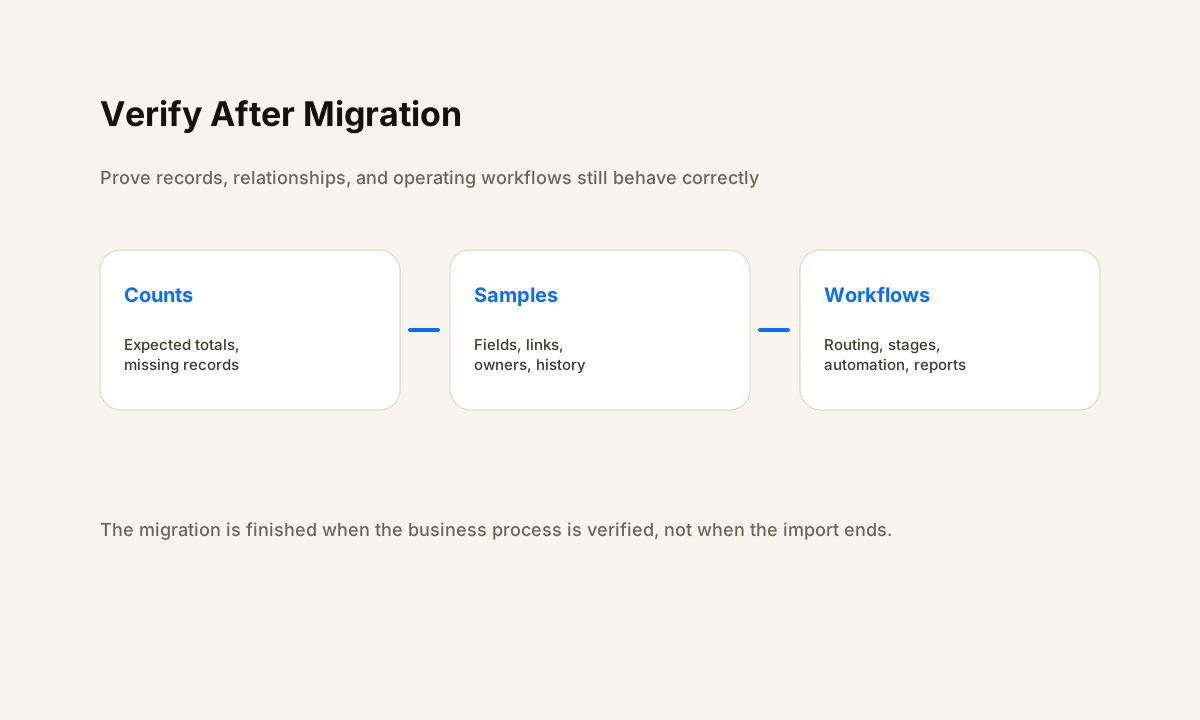
After each test, reconcile expected versus actual results. Check record counts, field values, associations, owner assignments, lifecycle or pipeline stages, import errors, and a sample of important historical context. If a record fails, capture the failure reason and correction rule rather than silently editing it in HubSpot.
Also test the operating workflow. Submit a form, create a lead, move a deal, assign an owner, trigger a notification, and run the reports the team uses to make decisions. A migration that passes record-count checks but breaks routing or reporting is not ready.
Control the Final Cutover and Source of Truth
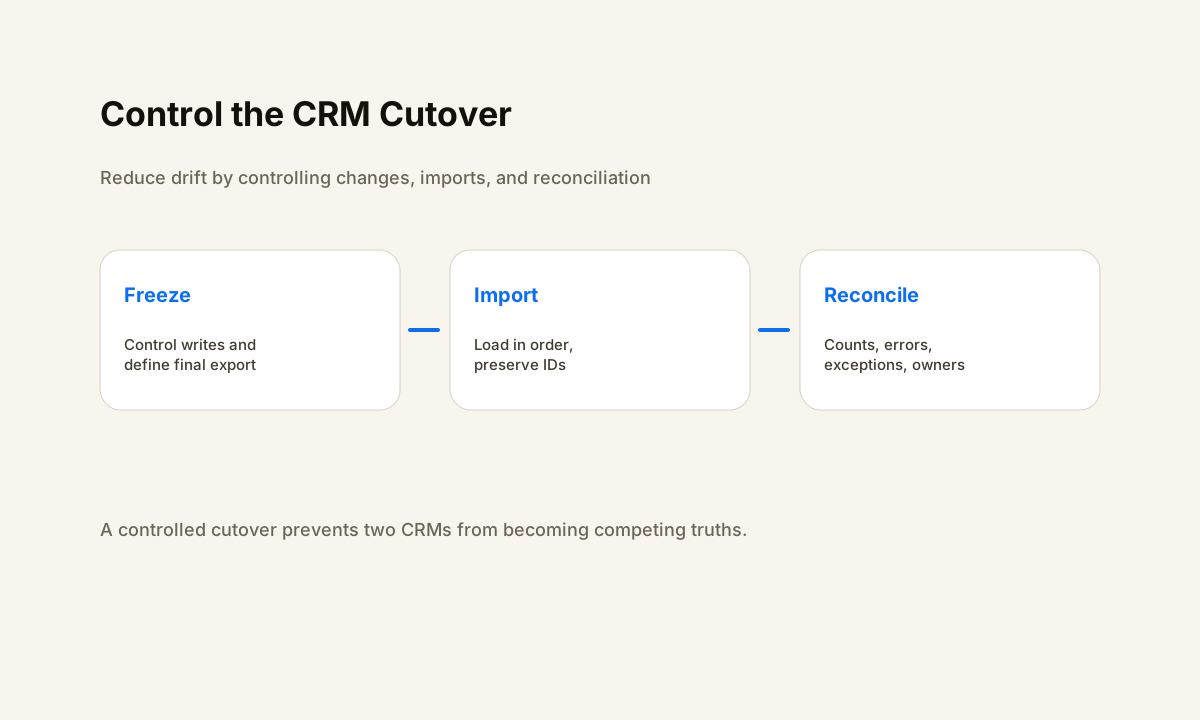
Define the moment when Salesforce stops being authoritative for new operational changes. That may involve a short write freeze, disabling selected integrations, pausing customer-facing automations, or scheduling a final delta export. The exact approach depends on the business, but the rule should be explicit: everyone needs to know where new data belongs during the transition.
Sequence the final import around dependencies. Companies may need to exist before associated contacts or deals. Owners and required custom properties should exist before records that reference them. Workflows that react to imported values should be reviewed so bulk imports do not accidentally trigger customer-facing communication.
Keep a cutover log. Record the source snapshot, import files, mapping version, import results, exceptions, workflow changes, and the person responsible for each unresolved issue. That record makes it possible to explain what happened if a salesperson later finds a missing deal or a report no longer matches expectations.
Rebuild Automation Around the New HubSpot Data Model
Do not copy workflow logic mechanically. Salesforce automation often depends on fields, stages, ownership rules, or record types that do not translate one-to-one. Rebuild the business rule around the destination properties and then verify it with current examples.
For each important workflow, document the trigger, enrollment criteria, exclusions, actions, owner, failure path, and success check. Test lead routing, follow-up, appointment or task creation, pipeline movement, notifications, and reporting separately. If the old system and new system are both live temporarily, prevent both from sending the same customer-facing action.
Post-migration verification should cover more than data. Check representative records, relationships, workflow runs, user permissions, dashboards, reports, integrations, and handoffs. The business should be able to operate from HubSpot without relying on an undocumented Salesforce workaround.
What to Ask a Salesforce to HubSpot Migration Partner
Ask for a written inventory, mapping table, transformation rules, test-import plan, cutover plan, exception process, workflow rebuild list, and verification checklist. The partner should be able to explain how unique identifiers and associations are preserved, how duplicate risk is controlled, and what evidence proves the destination CRM is ready.
Ask what remains your responsibility. Some teams need help only with data mapping and import execution. Others need the surrounding forms, integrations, routing, automations, reports, and user handoff rebuilt too. Scope the operating result rather than assuming migration includes every dependency.
Finally, ask how rollback or recovery works. A good plan should preserve the source export, make imports traceable, and keep an exception list instead of hiding mismatches. HWA's automation services are designed around that same principle: make the current state, change, and verification visible.
Map the migration before moving the data
If your Salesforce to HubSpot move also changes lead routing, pipeline logic, follow-up, reporting, or integrations, start with the workflow and data model rather than the import button.
Frequently Asked Questions
What should be migrated from Salesforce to HubSpot?
Migrate the objects, fields, associations, activities, ownership data, and historical context the business still needs. Document excluded or archived data so omissions are intentional rather than accidental.
How do you avoid duplicates during a Salesforce to HubSpot migration?
Define unique identifiers before importing, clean obvious duplicates, preserve source IDs when useful, and test create-versus-update behavior with a representative sample before the final import.
Should workflows be migrated at the same time as CRM data?
Rebuild and test destination workflows around the mapped HubSpot properties before final cutover, but avoid letting both CRMs independently trigger the same external actions during transition.
How should a Salesforce to HubSpot migration be tested?
Check counts, fields, owners, associations, activities, pipeline stages, and errors, then test the forms, routing, workflows, reports, and integrations the business actually uses.
When is a CRM migration actually complete?
When the destination data is reconciled, required workflows and reports behave correctly, users can work from HubSpot, exceptions have owners, and the old CRM has a defined archive or shutdown plan.