
Marketing Automation Failures: 6 Checks
Marketing automation failures often start before the send: the wrong contact enters, a valid contact is suppressed, or the CRM never receives the handoff.
TL;DR
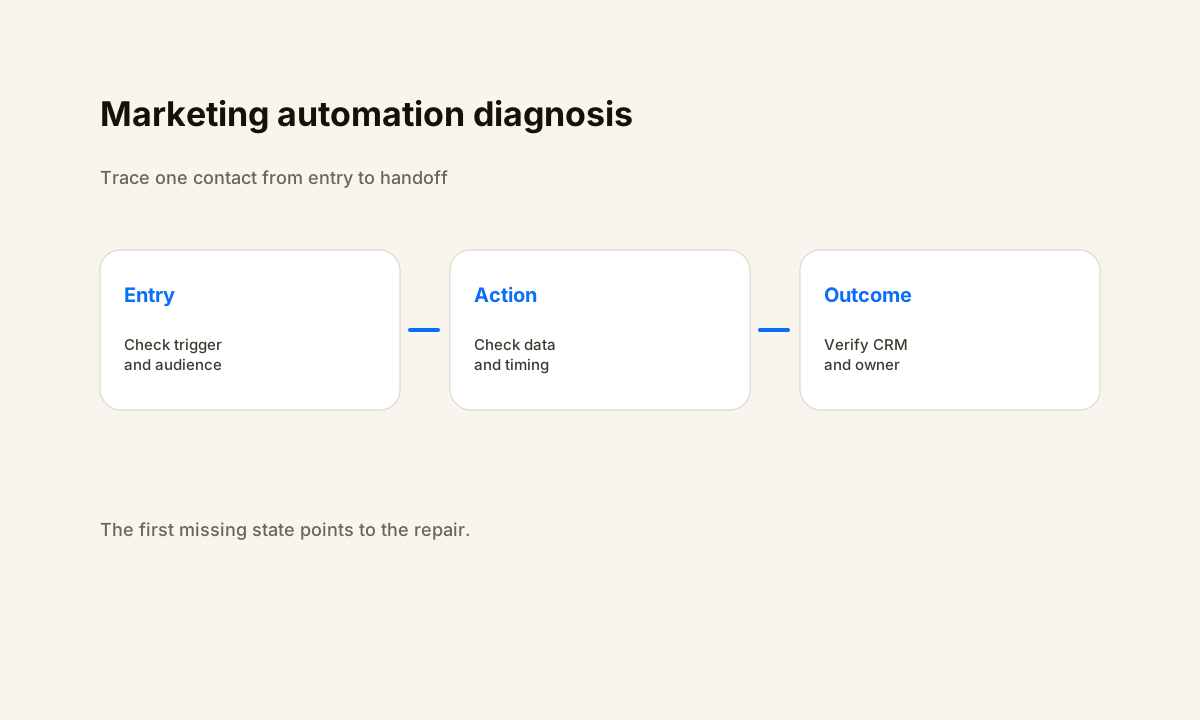
- Trace one known contact from source event to enrollment, action, CRM handoff, owner, and final state.
- Separate entry problems from action problems before editing campaign branches.
- Record suppression, exit, and re-entry reasons so valid exclusions do not look like broken automation.
- Verify the receiving CRM record and next action instead of treating a sent message as the finish line.
Where Marketing Automation Failures Start
A marketing workflow can send some messages and still be broken for the contacts that matter. One record never enters. Another enters the wrong branch. A third receives the marketing action but never reaches the CRM owner who should follow up. A dashboard that counts sends can miss all three cases because the business outcome sits after the send.
Trace one known contact through a small state model: source_event_at, eligible_at, enrolled_at, current_step, suppression_reason, crm_record_id, owner_id, next_action_at, and completed_at. The first expected state that does not appear narrows the repair. If the source event exists but enrollment does not, inspect the entry rules.
If enrollment exists but the first action does not, inspect execution.
HubSpot separates workflow enrollment issues from workflow execution errors in its current troubleshooting documentation. That distinction is useful across marketing platforms because it prevents a team from rebuilding action logic when the contact never entered the automation. The same review should compare the record with the workflow version and settings that applied when the event occurred.
Check 1: Enrollment Rules and Audience Entry
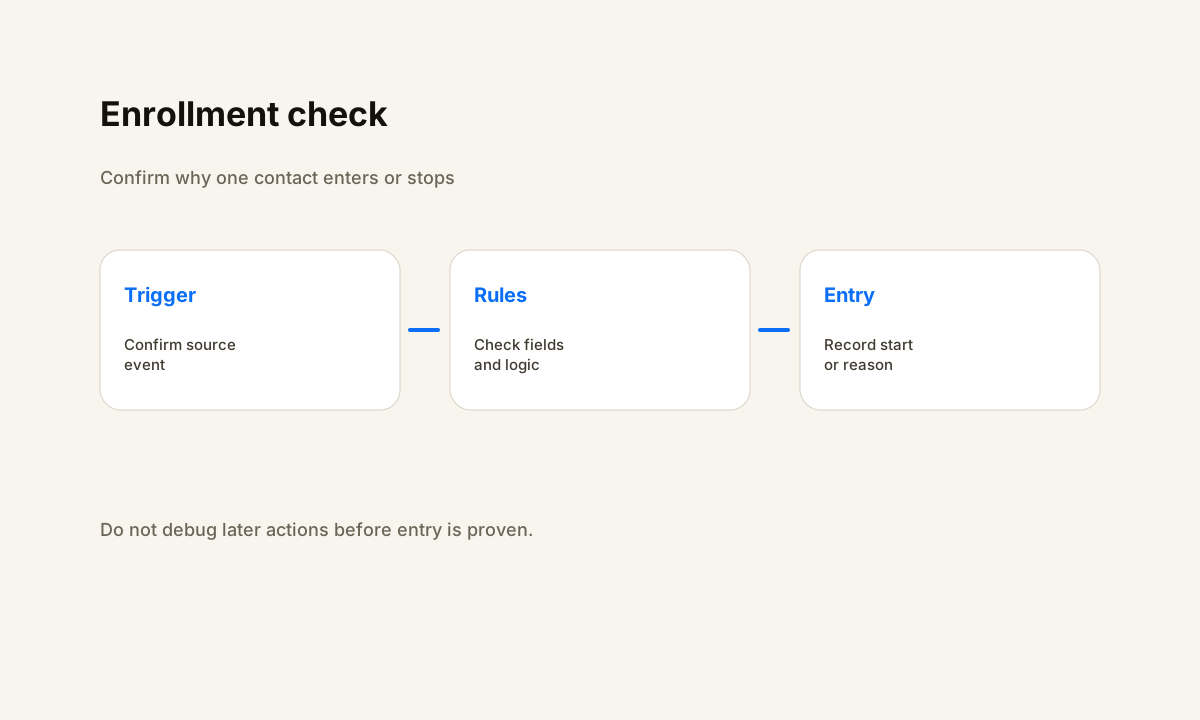
Start with the rule that decides whether a contact can enter. Write the expected entry condition in plain language, then compare it with the platform logic.
A contact may fail to enter because an AND condition is not met, an OR branch is broader than intended, the contact joined a list before the workflow was turned on, or re-entry is not enabled for a repeat event.
HubSpot documents these cases in its enrollment troubleshooting guidance, including trigger mismatches, suppression and unenrollment rules, prior enrollment, and list timing. ActiveCampaign also notes that many automation triggers are not retroactive, so a contact that met a trigger before an automation became active may not enter from that old event. These behaviors make event time part of the diagnosis.
Use one controlled record that should enter and one that should not. Confirm the source event, the field values at that time, the entry decision, and the workflow start. Do not edit later branches until that boundary works.
If the marketing system supports a test or diagnose view, use it to compare the record against the current criteria, then check the historical record path when the production event happened under an older workflow version.
Check 2: Contact Data and Eligibility
Marketing automation depends on fields that are present before the workflow makes a decision. Email address, consent or marketing status, source, lifecycle stage, territory, product interest, owner, and account relationship can all change the route. A blank field can send a contact to an exception branch. A stale field can make the wrong branch look valid.
Define the smallest set of fields each branch needs. Validate them before the action. If a required value is missing, create a visible exception reason instead of letting the record fall through a path with no owner. Keep stable identifiers for the person and the CRM record so duplicate contacts do not start competing automations.
When duplicate or stale records are part of the problem, repair the data model before adding more conditions. The CRM data cleanup automation guide covers the record controls that make downstream routing easier to test. A marketing rule cannot compensate for an identity model that changes from one form or import to the next.
Check 3: Timing, Re-entry, and Delays
Time changes automation state. A contact can qualify before the workflow is active, enter once and become ineligible for a second pass, reach a wait step outside the intended window, or hit a branch before a source field has been updated. These cases can look random when the team checks only the contact's current values.
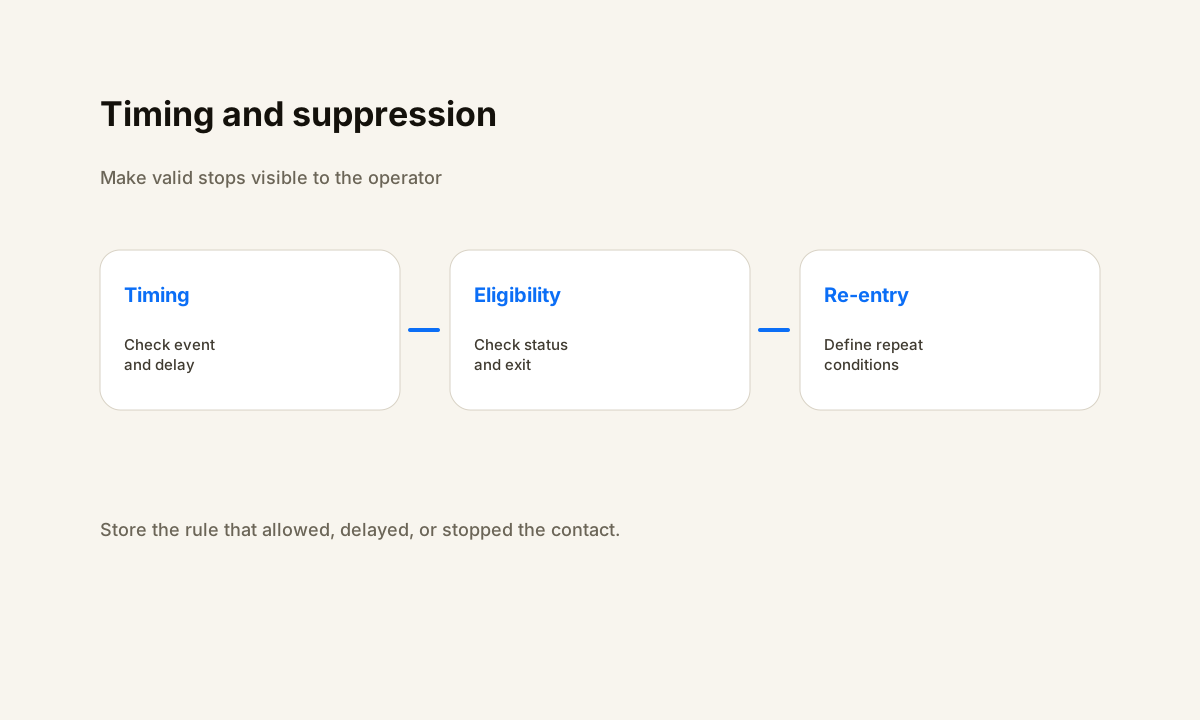
Record when the trigger event happened, when the automation evaluated the contact, when the contact entered, and when each time-based action became due. For repeat campaigns, state whether the same contact can enter again and what new event permits that entry. For delays, state what should happen when the contact's status changes while the record waits.
Test a first-time contact, a repeat contact, and a contact whose event happened before activation. HubSpot recommends testing a record against the current workflow and reviewing the version and timing settings that applied to the real enrollment.
ActiveCampaign calls out activation timing and non-retroactive triggers as common causes when a contact does not enter an automation. Those checks turn a vague timing problem into an observable state difference.
Check 4: Suppression, Exit Rules, and Valid Stops
Not every stopped contact represents a failure. A suppression list, unsubscribe state, goal condition, unenrollment rule, sales status, or completed conversion can be a valid reason to leave a marketing workflow. The operational problem starts when the platform stops the record but the business has no visible reason or next state.
Give every exit a label that an operator can understand. Examples include suppressed, converted, sales_owned, invalid_contact, and manual_review. Store the time and rule that caused the exit. If the contact still needs human action, assign that action before the marketing workflow ends.
This is also where marketing and CRM ownership can conflict. A contact may be excluded from nurture because sales owns the conversation, yet the CRM may show no task or owner for the next step.
The CRM vs marketing automation guide helps define which system owns each part of the lifecycle so a valid marketing exit does not become an unowned sales lead.
Check 5: Verify the CRM and Sales Handoff
A marketing action can succeed while the revenue handoff fails. The form is captured, the email is sent, and the campaign status looks healthy, but the CRM record has no owner, the opportunity is missing, or the sales task points to the wrong person. Treat the receiving system as a separate verification step.
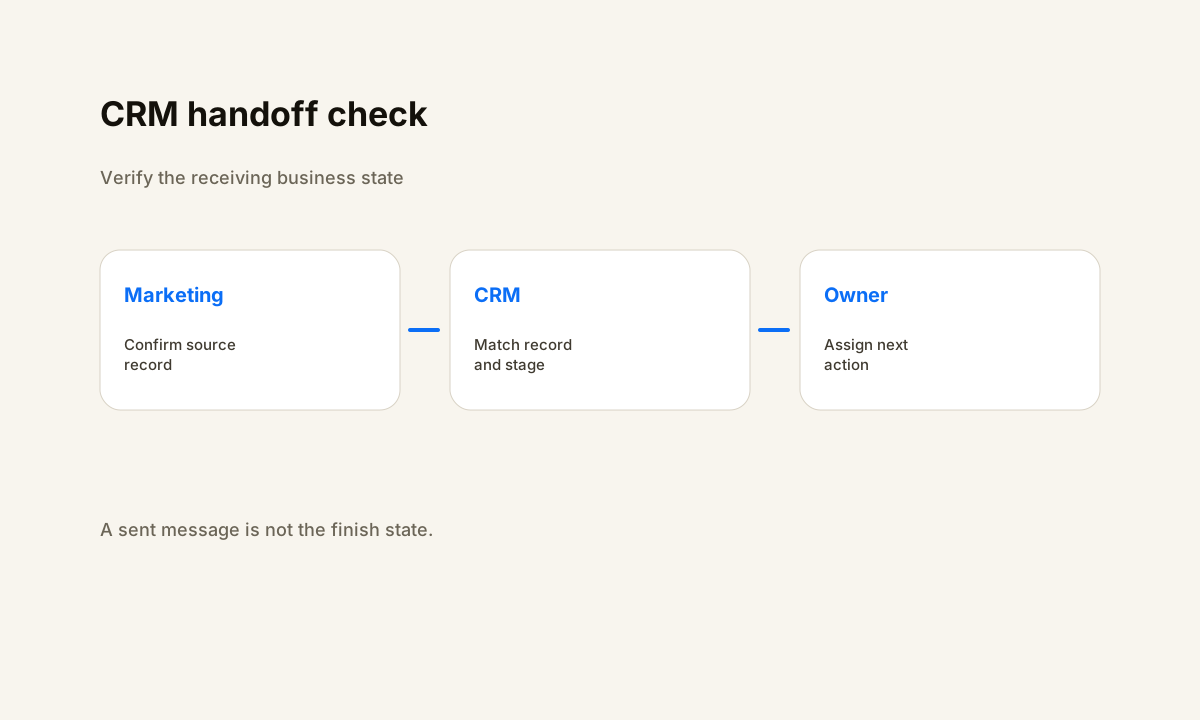
For each handoff, check the source record ID, destination record ID, destination stage, owner, next action, and handoff time. Decide what should happen when the destination record already exists. A stable deduplication rule should update the right record instead of creating a second record with a second owner.
Then verify what sales sees. If the next workflow is lead follow-up, hand it one contact with enough context to act without rebuilding the qualification decision. The lead follow-up automation workflow template shows how ownership, timing, and next actions can be made explicit after the marketing handoff.
Check 6: Errors, Retries, and Exception Ownership
Once a contact enters, action errors need a path that ends with a person or a verified recovery. HubSpot exposes workflow errors and separates setup issues from record-specific issues. ActiveCampaign's troubleshooting guidance also starts with contact entry and action state. Use the platform's history or issue view as evidence, not as the final business outcome.
Record the failing step, input record, error reason, retry count, last retry time, and owner of the exception. Retry only a failure that can recover from another attempt. Cap retries so a permanent error does not cycle without review.
When the cap is reached, move the record to a named queue with the context needed to fix or close the issue.
After the repair, run a controlled record through the same branch. Verify the action, downstream record, owner, and completion state. The broader marketing automation implementation guide can help when the failure points back to workflow design rather than one isolated action.
Marketing Automation Failure Checklist
Use controlled records for the major routes and one record built to hit each exception. Check the record history and the receiving system before marking the automation healthy.
- Did the source event happen at the expected time?
- Did the contact meet the enrollment rules at that time?
- Was the automation active when the trigger occurred?
- Can a repeat contact enter again when the business expects re-entry?
- Are required contact fields present before branch decisions run?
- Can suppression and exit rules be explained from stored state?
- Does each valid branch produce the intended action?
- Does each error branch end with a reason, owner, and next step?
- Does the CRM contain the expected record, stage, owner, and task?
- Can the team trace one contact from source event to final outcome?
If several answers are no, reduce the workflow to its state model before adding more campaign logic. The repair target is one expected contact, one valid route, one observable handoff, and one finish state the team can verify. HWA's automation process applies the same build, test, and verification discipline to broader business workflows.
Sources
Frequently Asked Questions
What causes marketing automation failures?
Common causes include enrollment rules that do not match the intended audience, missing contact data, suppression or exit rules, timing assumptions, disabled re-entry, failed actions, and CRM handoffs that create no valid owner or next step.
How do I tell whether enrollment or an action failed?
Start with one known contact and verify the source event, enrollment criteria, workflow entry, first action, branch path, and final state. If the contact never enters, inspect the trigger and audience rules. If it enters and stops, inspect the failed action and its inputs.
Why does a contact meet the rules but not enter the automation?
Check whether the contact met the trigger before the automation was active, whether re-entry is allowed, whether a suppression or exit rule applies, and whether the record values at the event match the trigger logic.
What should be logged for marketing automation troubleshooting?
Keep the source event, contact or record ID, enrollment time, current step, branch, suppression or exit reason, error state, CRM owner, next action, and completion state. The goal is to reconstruct where one record stopped.
How should a marketing automation workflow be tested after a change?
Use controlled records for first-time entry, repeat entry, suppressed contacts, missing data, each major branch, and the CRM handoff. Verify the route, message or task, receiving record, owner, and final state before treating the change as complete.
Related Resources
Marketing automation stopping between systems?
Trace the contact path before adding more campaign rules.
Help With Automation can review enrollment, contact data, suppression, timing, CRM handoffs, exception paths, and the measurement states behind your current marketing workflow.
Talk through the workflow