
Invoice Approval Workflow Stalled? 7 Checks
An invoice approval workflow can stall even when the automation is active. Use seven checks to find the first missing approver, state, or handoff.
TL;DR
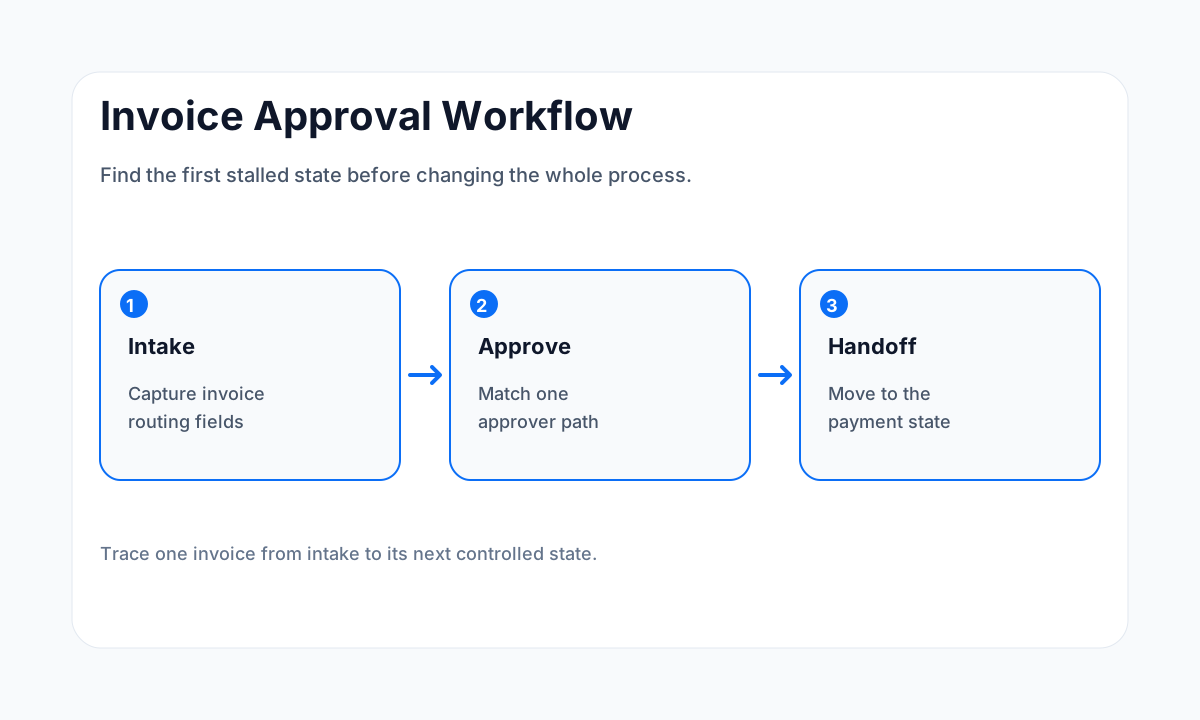
- Trace one stalled invoice from intake through approval and payment handoff before editing rules.
- Make every valid invoice match one approver rule or one controlled fallback path.
- Use one durable invoice state so reminders and retries do not create duplicate approvals.
- Test approver permissions and absence coverage as part of the workflow.
Need to find where an approval is stuck?
HWA can trace the intake fields, routing rules, approval states, reminders, permissions, and payment handoff before any workflow is rebuilt.
Start with one stalled invoice, not the whole accounting process
When an invoice sits in Pending Approval, it is tempting to rebuild the workflow around the one item that failed. That can hide the real issue. The stalled invoice may be an exception while the normal route still works. Pick one affected invoice and record each state it passed through.
Capture the invoice identifier, vendor, amount, requester, department or project, current approval status, intended approver, last workflow timestamp, and the next state you expected. Then trace the record in order. The first missing or unexpected state is the place to investigate.
QuickBooks Online Advanced documents invoice approval workflows with conditions that trigger the approval process, and its invoice workflow status can move from Pending Approval to Approved. BILL describes approval routing as part of the accounts payable workflow, including rules for which invoices require approval and who should approve them.
The useful operating principle is simple: conditions, owners, and states need to be explicit.
Checks 1 and 2: intake data and approver rules
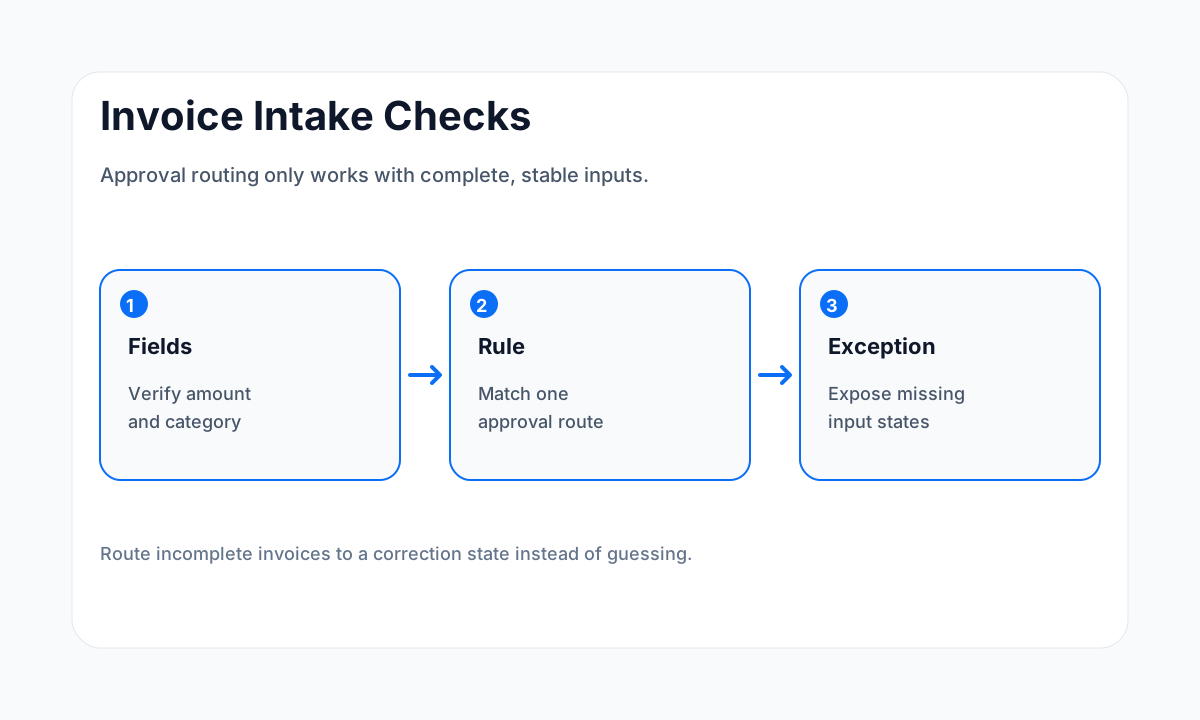
Check 1: verify the invoice has the fields the rule expects
An approval rule cannot route an invoice from data that never arrived. Compare the actual record with the fields used by the workflow. Common routing inputs include amount, vendor, department, location, project, general ledger account, requester, or another approved classification. If the rule depends on a field added after intake, the invoice may enter the workflow before the value exists.
Do not send every incomplete invoice to a default approver. Create an exception state that says what is missing and who owns the correction. Once the required value is present, the invoice can re-enter the correct route with a visible reason.
Check 2: make sure the invoice matches one clear approver rule
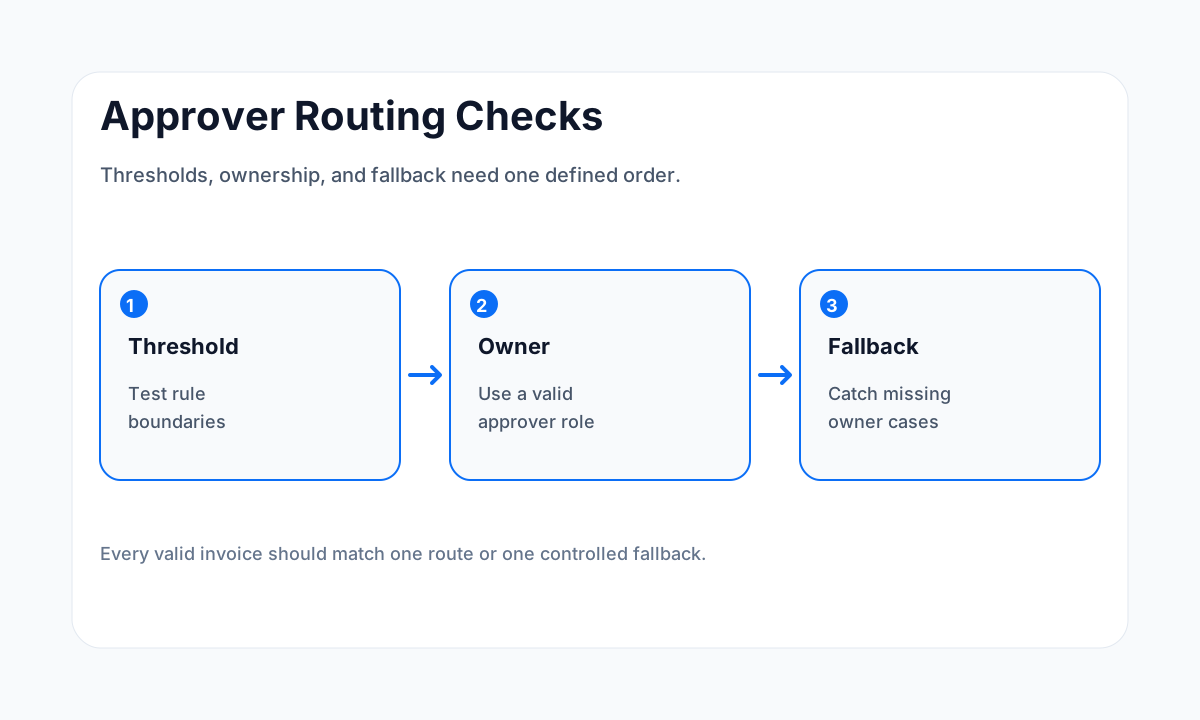
Overlap and gaps can both stall approvals. Two rules may compete for the same invoice, or no rule may match a threshold boundary. Write the approval rules in a table and test the edges. An invoice just below a threshold, exactly at the threshold, and just above it should all have defined routes.
If the business routes by several dimensions, decide the order. A project-specific approver may take precedence over a department approver, while a high-value invoice may require another approval layer. Document that rule order so a future admin can explain why the invoice went to that person.
Checks 3 and 4: duplicate states and approver availability
Check 3: prevent duplicate approval requests
An integration retry, edited invoice, or repeated import can create another approval request for the same business obligation. Use a durable invoice identifier and a durable approval state. Before creating a new request, check whether the invoice is already pending, approved, rejected, paid, voided, or closed.
Do not use a notification timestamp as the only proof of approval state. Notifications can be retried. The approval record should hold the decision itself and the decision time. A reminder can read that state and stop when the invoice is no longer pending.
Check 4: handle unavailable approvers
A workflow that depends on one named person will stall when that person leaves, changes roles, loses access, or is out of office. Decide whether the approval should transfer to a backup, manager, role-based queue, or another defined owner. The fallback should preserve separation of duties instead of assigning the invoice to the requester by accident.
Test the absence path on purpose. Use a controlled invoice that routes to an unavailable approver, then verify the fallback receives it once and the original request does not keep generating reminders.
Checks 5 and 6: reminders and permissions
Check 5: make reminders read the approval state
Reminders should follow the invoice state, not run on a separate clock with no stop condition. If an invoice is approved, rejected, voided, or sent back for correction, the pending reminder path should end. If an invoice remains pending, the reminder should identify the approver and the item that needs action.
BILL notes that approvals can sit in a reviewer's queue when the process lacks enough visibility. A reminder is useful when it points to a valid pending item. It becomes noise when it fires after the invoice has changed state or when several systems remind the same approver.
Check 6: verify permissions match the workflow role
An invoice can reach the correct person while the person lacks the permission needed to approve it. Check both record access and action permission. A role may allow someone to view the invoice but not approve it, or approve invoices in one company, project, or location but not another.
QuickBooks documents approval states and invoice approval workflows. Whatever platform you use, the test should include a real approver account with the same role and access scope used in production. Admin access can hide permission failures that regular approvers will hit.
Check 7: verify the payment handoff
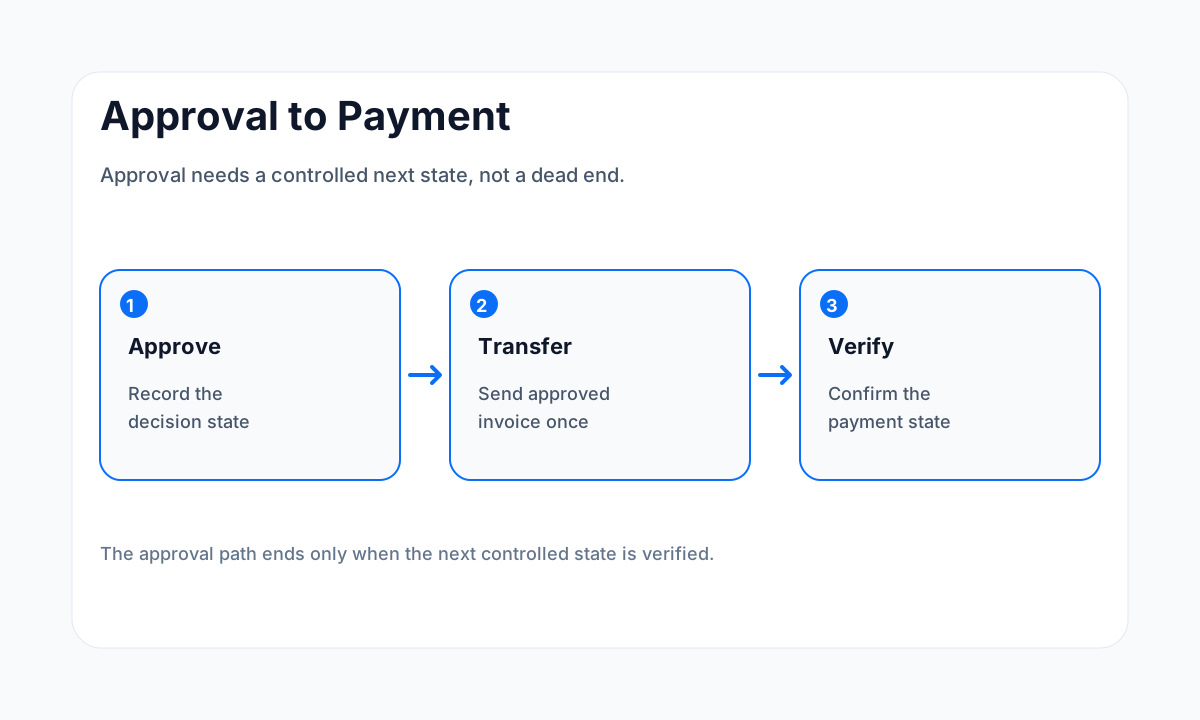
Approval is one state in a larger accounts payable process. After approval, the invoice may need to move to payment scheduling, bookkeeping review, a vendor record, or another controlled queue. If the approval state changes but the next system never receives the item, the business still experiences a stalled invoice.
Define the exact handoff after approval: what event fires, which fields move, where the invoice lands, who owns the next step, and what proof confirms the transfer. Keep approval and payment permissions separate when the business requires that separation. A workflow should not broaden financial authority merely because an automation can perform the next action.
If invoice work is part of a wider back-office redesign, review custom back-office automation workflows. If manual re-entry is causing invoice state to split across systems, the guide on preventing manual data-entry fatigue covers where duplicate entry becomes an automation target.
Self-diagnosis checklist
- Pick one stalled invoice and record its current approval state.
- Verify every field used by the approval rule exists on that invoice.
- Test threshold boundaries and confirm one intended route wins.
- Search for duplicate requests tied to the same invoice identifier.
- Test the unavailable-approver fallback with production-equivalent permissions.
- Verify reminder rules stop when approval state changes.
- Approve a controlled invoice and confirm the next payment state appears once.
If nobody can explain the approval rules or the source of truth, an outside workflow review can help. The guide to hiring business process automation consultants explains what evidence to bring into that evaluation.
Frequently asked questions
Why does an invoice approval workflow stall?
Common causes include missing intake data, no matching approver rule, threshold gaps, unavailable approvers, duplicate invoice states, permission problems, or no defined handoff after approval.
What should an invoice approval workflow track?
Track the invoice identifier, vendor, amount, requester, approval rule, current approver, status, decision timestamp, exception reason, and the next state after approval or rejection.
Should every invoice use the same approver?
Not always. Many businesses route approvals by amount, department, vendor, project, location, or account. Every valid invoice should match one clear rule or a controlled fallback.
How do you prevent duplicate invoice approvals?
Use one durable invoice identifier and one approval state. Before creating another approval request, check whether the same invoice is already pending, approved, rejected, paid, or closed.
How do you test an invoice approval workflow?
Run controlled invoices through normal, high-value, missing-data, rejected, duplicate, and unavailable-approver paths. Verify the status and owner after each transition.
Sources
Each guide is written from hands-on automation implementation work and checked against current source material.
Need a clean invoice approval diagnosis?
Bring one stalled invoice, the approval rules, and the state you expected next. We can trace the break and define the smallest repair.