
n8n vs HubSpot for Custom Workflow Integrations
n8n vs HubSpot for advanced custom workflow integrations comes down to where the workflow should live, how many systems it spans, and who will maintain it.
TL;DR
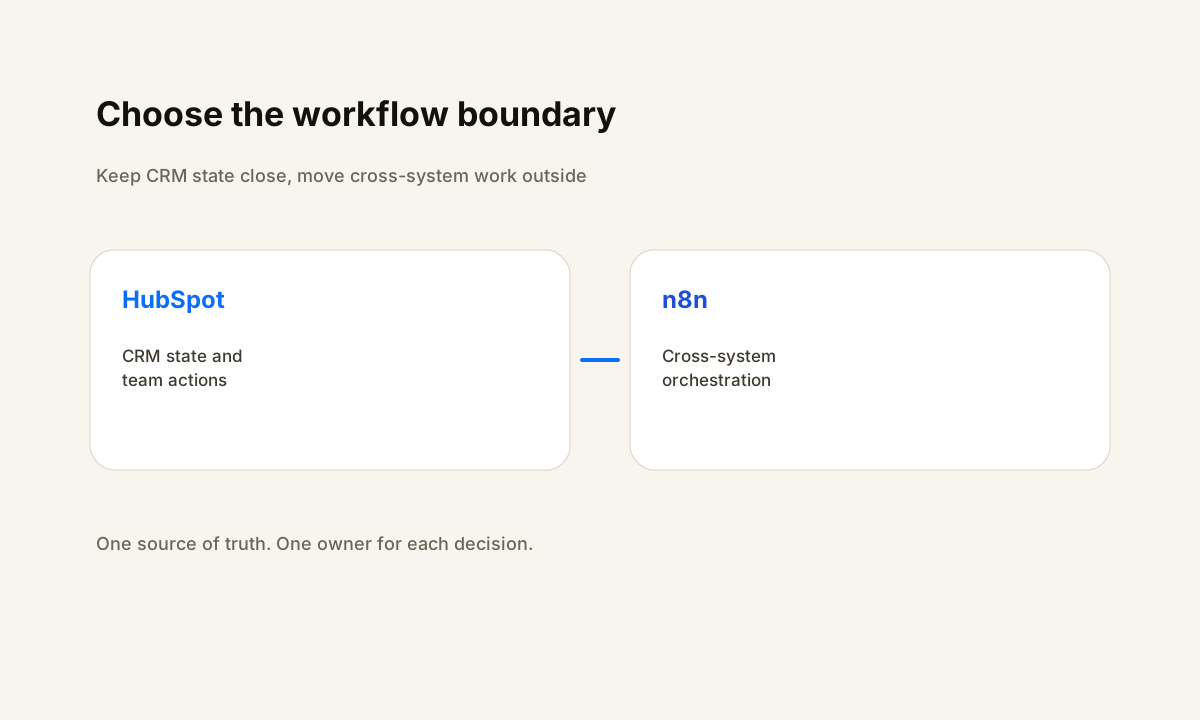
- Use HubSpot when the trigger, decisions, data, and team actions belong inside the CRM.
- Use n8n when the workflow spans several systems, transforms data, or needs cross-system recovery.
- Keep one source of truth for CRM state and avoid duplicating pipeline or lifecycle logic in both tools.
- A hybrid design works best when HubSpot owns CRM decisions and n8n owns external orchestration.
Need to untangle CRM logic from integration logic?
HWA can map the workflow boundary, source of truth, retry path, and ownership rules before any migration or rebuild begins.
The decision is about workflow boundaries, not tool loyalty
n8n vs HubSpot for advanced custom workflow integrations is a boundary decision. HubSpot is strongest when the trigger, business rules, record updates, and team actions all belong inside the CRM.
n8n becomes more useful when the workflow must coordinate several systems, reshape payloads, call APIs, wait for outside events, or recover from errors that occur beyond HubSpot. The better question is not which platform is more powerful.
It is which system should own each state change and which team will maintain the workflow after launch.
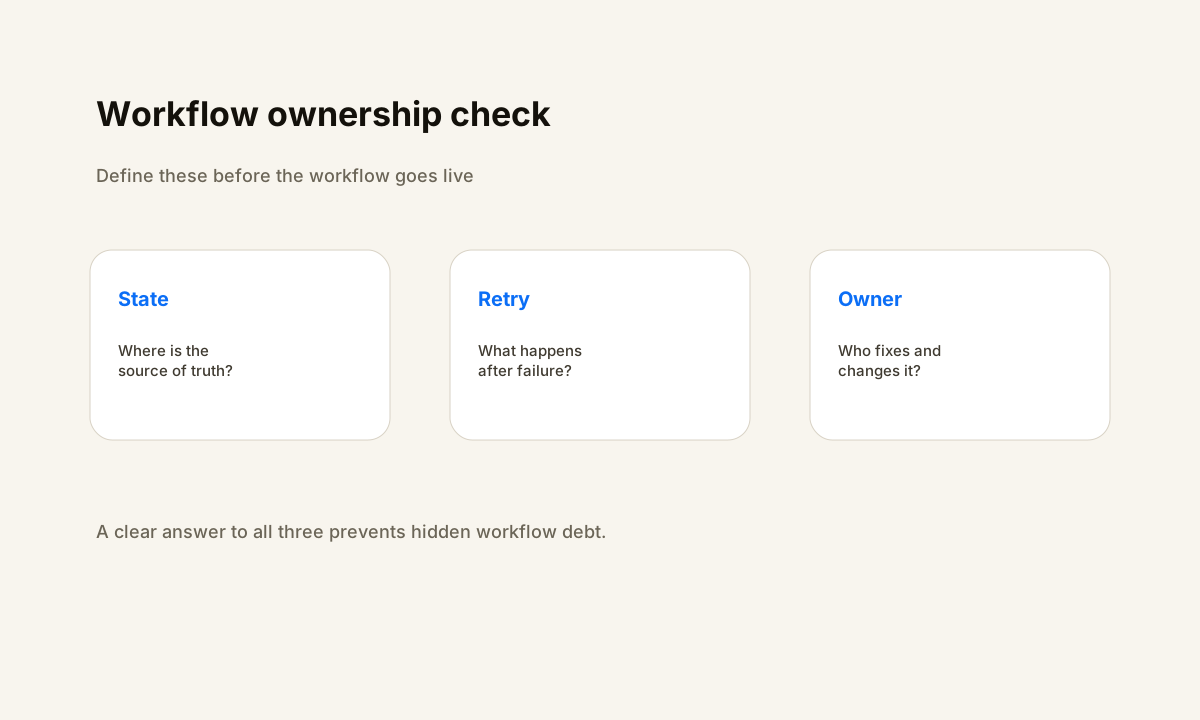
A clean design starts by naming the system of record. If HubSpot owns the contact, company, deal, ticket, or another CRM object, keep the authoritative business state there. An external orchestrator should not invent a second version of pipeline stage, owner, consent, or lifecycle status.
It can move data and coordinate work around the CRM, but the record that sales and service teams trust should have one clear home.
This distinction prevents a common failure pattern: a workflow begins as a small CRM automation, grows into an integration hub, and ends with business logic split across several hidden places. The result is hard to debug because no one knows whether the CRM, an external workflow, or a connected app owns the next step.
When HubSpot native workflows are the better fit
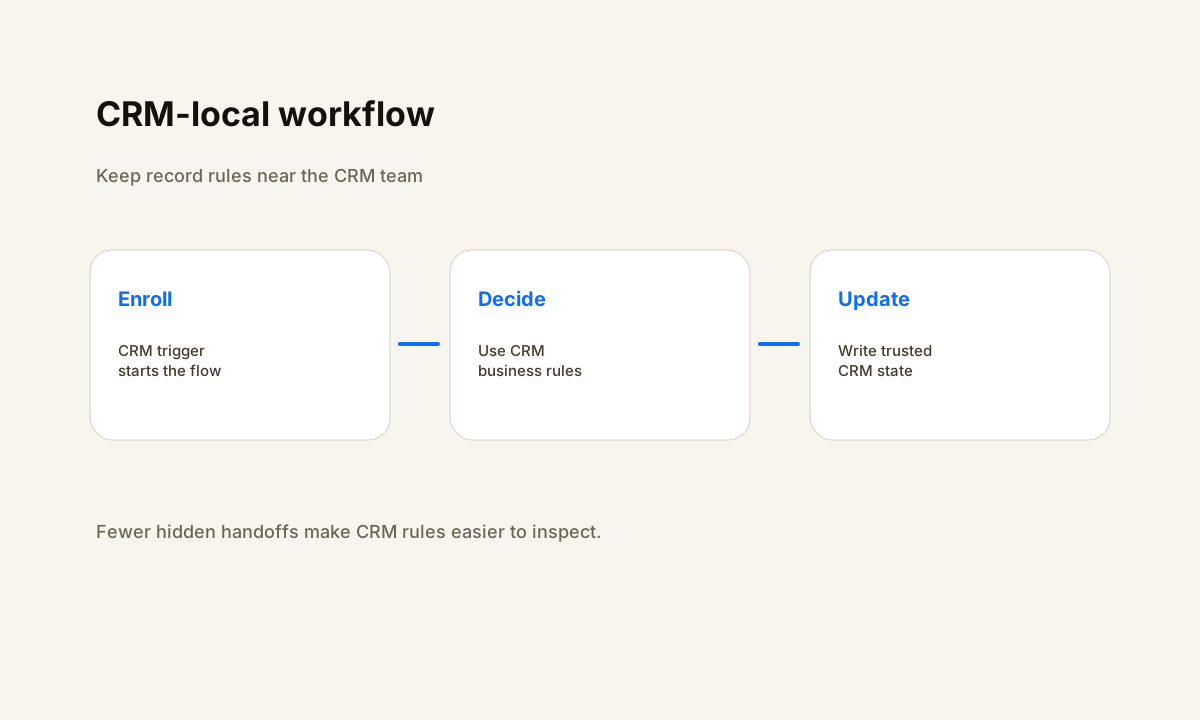
HubSpot documents workflows as a set of enrollment triggers, actions, re-enrollment rules, and settings tied to CRM objects. That model fits processes such as assigning a lead, creating a task, updating a deal, sending an internal notification, setting a property, or branching based on data that already lives in HubSpot.
Keeping those steps in the CRM reduces the number of systems a sales or operations owner has to inspect when something changes.
Native workflows also keep business context close to the people who use it. A sales manager can inspect the enrolled record and the automation in the same platform. Permission boundaries can follow the CRM team structure. That matters when the automation is part of a process the business expects non-developers to understand, review, and change.
HubSpot can extend beyond basic CRM actions. Its current workflow documentation includes custom code and outbound webhook actions for eligible Data Hub Professional and Enterprise subscriptions. HubSpot also documents webhook-based enrollment for external events. Those features can cover many integrations without adding a separate orchestration layer.
Before adding n8n, test whether the complete requirement can stay readable, observable, and maintainable inside HubSpot.
When n8n is the better orchestration layer
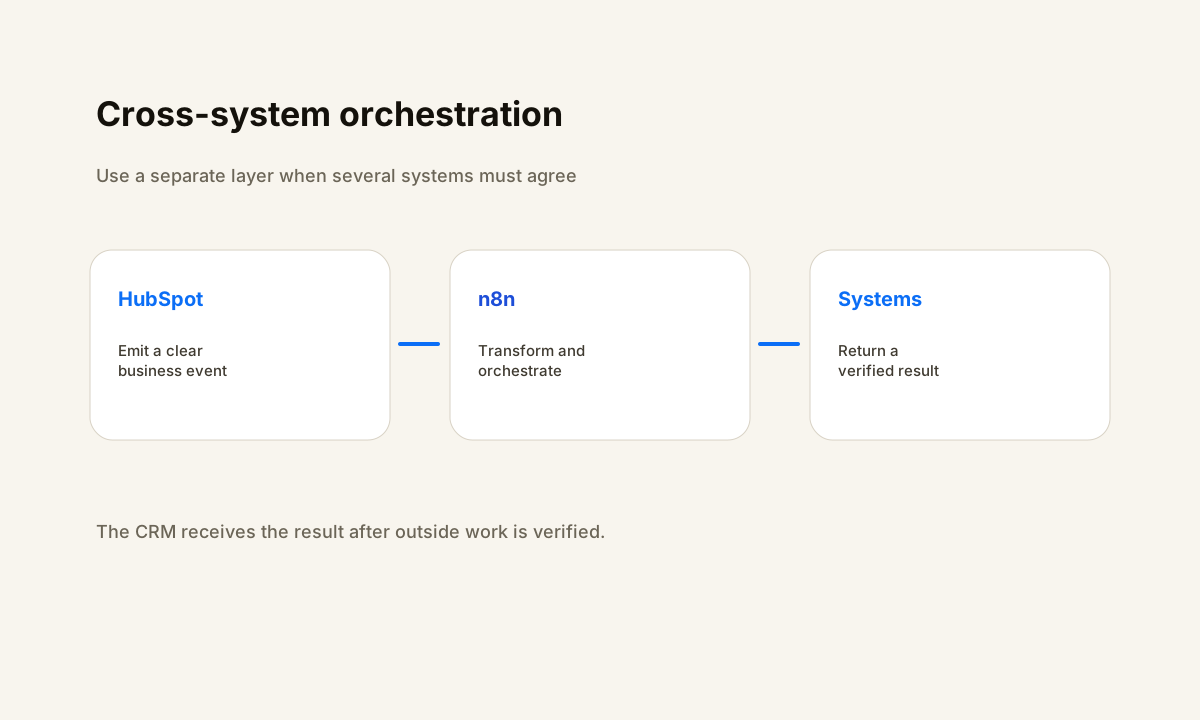
n8n earns its place when the workflow crosses a real system boundary. A lead may enter HubSpot, need enrichment from another service, require data normalization, create a record in an operations database, notify a team in Slack, and then return a verified status to HubSpot.
That is less like a CRM workflow and more like an integration process with several independent failure points.
An external orchestrator gives that process a separate execution layer. n8n exposes workflow executions and supports retrying failed executions from its execution history. That becomes useful when a failed API call should be investigated and replayed without forcing the CRM record through an artificial state change.
It also gives the automation owner a place to isolate transformations, API-specific authentication, and vendor response handling from CRM-facing business rules.
Use n8n when the integration requires payload shaping, multiple APIs, conditional fan-out, long waits, reusable sub-workflows, or recovery logic that would make a native CRM workflow hard to read. Keep the boundary explicit: HubSpot emits or receives a defined event, n8n performs the cross-system work, and the final CRM update happens only after the outside work reaches a verified state.
n8n vs HubSpot for custom workflow integrations by operating requirement
For CRM-local automation, HubSpot has the advantage because the data, trigger, action, and user context stay together. For cross-system orchestration, n8n has the advantage because the workflow can treat HubSpot as one node among several systems. The choice should follow the shape of the process rather than the number of available features.
For error ownership, decide who receives the failure and what evidence they need. A HubSpot-native workflow can be easier for a CRM administrator to own because the investigation begins where the business record lives.
An n8n workflow can be easier for a technical operator to own when the failure sits between APIs or during a transformation. The wrong setup is one where HubSpot thinks a step succeeded while the external system failed and no reconciliation rule exists.
For change control, prefer the tool used by the person responsible for the process. If a sales operations owner changes routing rules each month, a native CRM workflow may reduce engineering dependency. If the workflow depends on API contracts, mapping logic, external credentials, and several systems, assigning it to a technical owner in n8n can make the change path clearer.
A practical hybrid pattern without duplicated logic
A hybrid design can work when it has one rule: each decision belongs to one system. HubSpot can own CRM enrollment, pipeline state, team assignment, and customer-facing CRM actions. n8n can own external API orchestration, data transformation, and cross-system recovery. The integration contract between them should be small and explicit.
For example, a HubSpot workflow can mark a record as ready for an external operation and send a webhook or another integration signal. n8n receives the event, validates required identifiers, performs the outside work, and returns a result that maps to a known HubSpot property or event.
HubSpot then decides what sales or service action should happen next. The external workflow does not duplicate lead stage logic, and the CRM workflow does not try to reproduce API recovery steps.
Build idempotency into that boundary. Give the outside operation a stable event or record key, write the result back only once, and define what happens when the same event arrives again. Also define a reconciliation path for ambiguous outcomes.
If the outside service completed the action but the response timed out, the workflow should check current state before retrying the side effect.
How to choose between n8n and HubSpot before building
Map one real workflow from trigger to verified outcome. List every system touched, every business decision, every credential boundary, every place data changes shape, and every failure that needs a retry. Then assign each step to the system that has the best context and the clearest owner.
If almost every step stays inside HubSpot, use HubSpot. If the process depends on several outside systems and technical recovery, use n8n as the orchestration layer.
Test the design with a small set of representative records before turning it on for the full process. Verify enrollment, duplicate prevention, field mapping, branch logic, error behavior, re-entry, and the final CRM state. Record what the operator should inspect when a run fails.
The build is not finished when data moves once. It is finished when the team can tell whether it worked, recover when it did not, and change it without guessing.
For an existing system, start with a workflow audit rather than a rewrite. Trace one record through the current automations and mark where state ownership becomes unclear. That often shows whether the next improvement belongs in a HubSpot workflow, an n8n integration, or a smaller contract between the two.
Measure the integration after launch
A comparison is incomplete without a measurement plan. Capture the trigger timestamp, the final verified timestamp, the workflow path taken, the external operation result, retry count, and the final HubSpot state. Those fields let an operator separate slow processing from failed processing and distinguish a CRM rule problem from an API problem.
Review failures by root cause instead of treating every error as one category. Authentication failures, rate limits, missing required fields, duplicate events, invalid mappings, and vendor outages need different fixes.
A useful operating review asks whether the workflow stopped without corrupting state, whether the record stayed truthful, whether a retry could create a duplicate side effect, and whether a human knew what to do next.
The best platform choice is the one that preserves that visibility with the least duplicated logic. HubSpot is a good home for CRM-owned process state. n8n is a good home for cross-system orchestration. A disciplined boundary between them can be better than forcing every step into either platform.
FAQ
Can n8n replace HubSpot workflows?
It can replace some integration logic, but replacing every HubSpot workflow is not always the right design. Keep CRM-owned rules, record updates, and user-facing process steps in HubSpot when that makes the workflow easier to understand. Use n8n where the process needs cross-system orchestration, API handling, data transformation, or external recovery.
Should HubSpot or n8n own lead routing?
If routing depends on authoritative CRM fields and the sales team maintains the rule, HubSpot is often the cleaner owner. If routing requires data from several outside systems before a decision can be made, n8n can gather and normalize that data, then return the facts HubSpot needs to apply the final CRM rule.
Can HubSpot call external APIs without n8n?
HubSpot documents custom code and webhook workflow actions for eligible Data Hub Professional and Enterprise subscriptions. Those options can cover many external calls. n8n becomes more useful when the process needs several services, reusable orchestration, transformations, or a separate execution and retry layer.
How should retries work between HubSpot and n8n?
Use a stable idempotency key for the external operation, check current state before repeating a side effect, and write the verified result back to HubSpot. If the outcome is ambiguous, reconcile first instead of assuming failure. This prevents a transport timeout from turning into a duplicate action.
What is the simplest way to decide between the two?
Draw the workflow and circle the steps that are pure CRM decisions. If most steps stay inside that circle, keep the automation in HubSpot. If the workflow spends much of its time coordinating outside systems, use n8n for that orchestration and keep HubSpot as the CRM source of truth.
Sources
Map the workflow before choosing the tool
If your HubSpot and integration logic are spread across too many places, start by tracing the trigger, source of truth, outside actions, retries, and final verified state.