
Automated Booking System Setup for Professional Services
Automated booking system setup for professional services works best when availability, intake, reminders, routing, and CRM follow-up share one verified workflow.
TL;DR
- Define appointment types, owners, availability, intake questions, and exception rules before choosing automation steps.
- Keep the booking record, calendar event, contact record, and next CRM state tied together with stable identifiers.
- Test conflicts, time zones, reminders, reschedules, cancellations, and routing with controlled bookings before launch.
- Choose native tools, in-house implementation, or a specialist based on workflow complexity, ownership, and verification needs.
What Automated Booking System Setup for Professional Services Includes
A booking page is only the visible front end of a scheduling system.
The operational system also has to know which appointment is being offered, whose availability controls it, what information the prospect must provide, how a meeting is confirmed, what happens after a reschedule or cancellation, and which CRM state should follow the booking.
If those decisions are scattered across calendar settings, forms, inboxes, and manual habits, the booking link can look polished while the workflow behind it remains fragile.
Current scheduling platforms expose many of these building blocks directly. HubSpot documents one-on-one, group, and round-robin scheduling pages, connected-calendar availability, booking forms, confirmations, and reminder automations. Google Calendar appointment schedules let an organizer define duration, availability, booking-page settings, meeting details, and form fields.
HighLevel documents personal booking calendars, availability, booking rules, reminders, linked calendars, and multiple calendar types. The implementation decision is not whether those features exist. It is how they should work together for your actual service process.
Write the expected booking state before configuring software. At minimum, define a stable booking_id, contact_id, appointment_type, owner_id, start_at, timezone, source, confirmation_state, reminder_state, reschedule_state, cancellation_state, and next_action_owner. Your tools may use different field names.
The point is to make each handoff observable instead of treating a calendar event as the only source of truth.
Map Appointment Types, Owners, and Intake Before Configuration
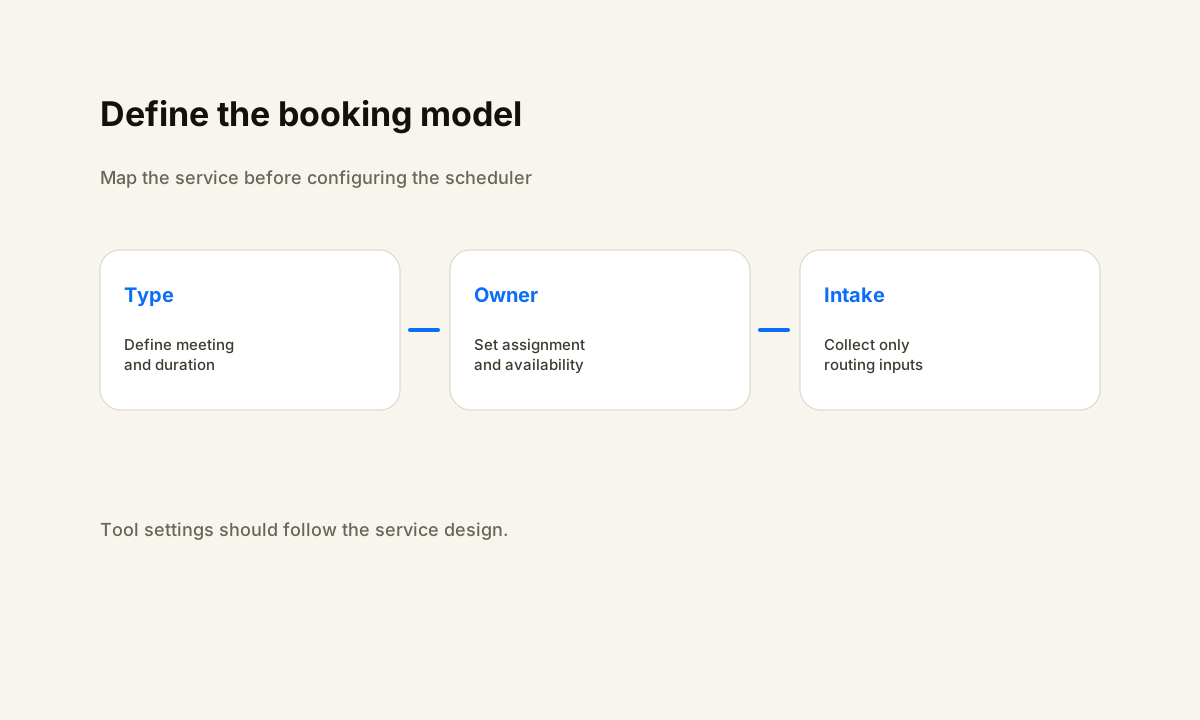
Professional services firms often have more than one kind of appointment. A discovery call may belong to sales. A paid consultation may need a specialist. An onboarding session may require the account owner. A review meeting may need two internal people at the same time.
Treating all of those as one generic calendar creates avoidable routing rules and makes reporting harder later.
For each appointment type, document the owner model, duration, allowed hours, buffer rules, meeting location, minimum notice, maximum advance window, required intake questions, cancellation policy, and what should happen when no eligible owner is available. HubSpot's scheduling documentation distinguishes one-on-one, group, and round-robin meeting options.
HighLevel's calendar documentation similarly separates calendar types and supports linked calendars and conflict handling. Those options should follow the service design, not determine it.
Keep intake short enough to complete but specific enough to route correctly. A booking form may need contact identity, company, service interest, relevant context, and one or two qualification fields. If a field does not affect routing, preparation, compliance, or follow-up, question whether it belongs on the form.
Then decide which values should be written to the CRM immediately and which belong only on the appointment record.
Connect Availability, Routing, Reminders, and CRM State
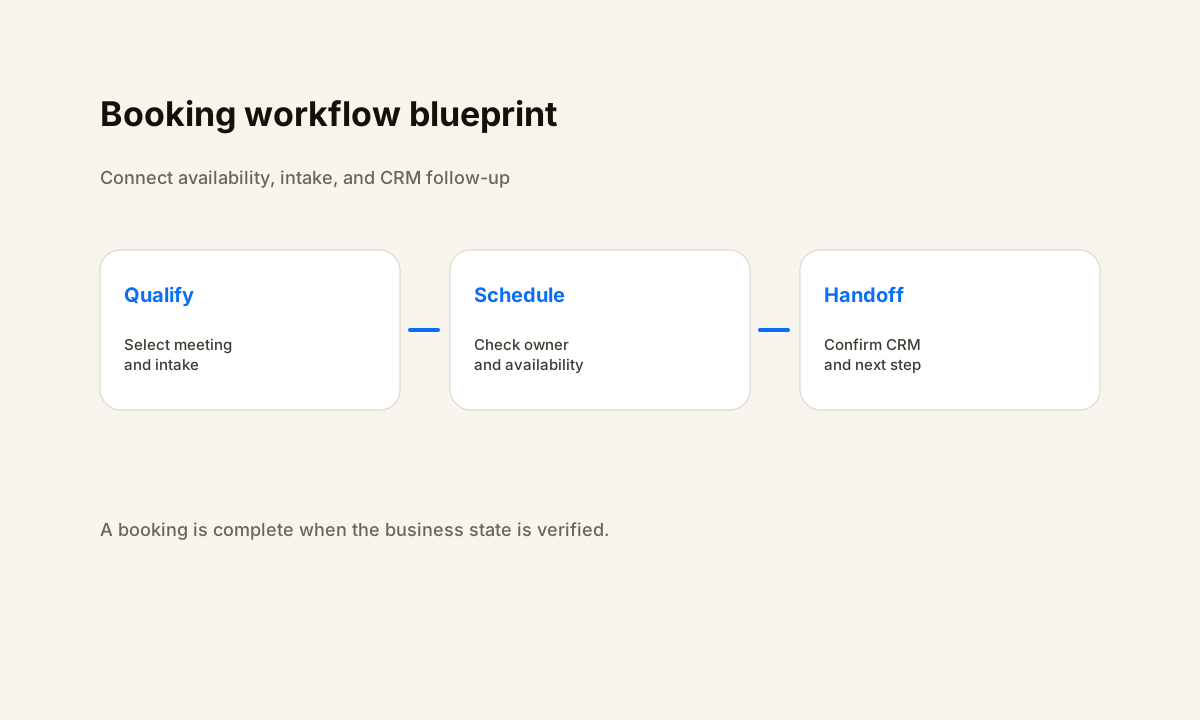
The strongest booking systems use one clear sequence. A visitor chooses the correct appointment type. The scheduler checks real availability. The visitor completes required intake. The system creates the appointment and confirmation. The CRM receives or updates the contact and records the booking state.
Reminder logic runs from the same appointment state. Reschedules and cancellations update both the calendar and the business record. A named person or queue owns exceptions.
Connected calendars matter because the booking page must reflect real conflicts. HubSpot states that connected Gmail or Office 365 calendars can sync scheduled meetings with the user's connected calendar. Google Calendar's appointment schedule uses organizer availability and creates a booking page around those rules.
HighLevel provides linked-calendar and conflict-calendar settings for its calendar system. Whichever platform you use, test the exact calendars that should block time rather than assuming every connected calendar participates the same way.
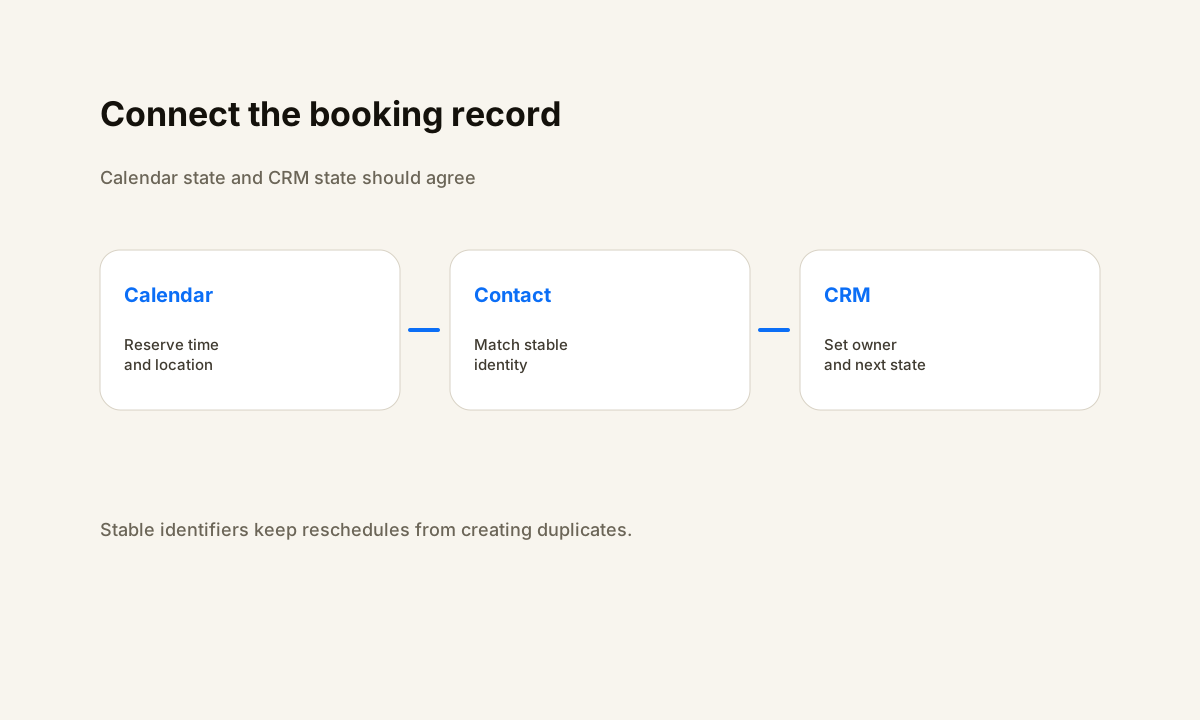
CRM handoffs need the same discipline. Decide whether a booking creates a lead, updates an existing contact, moves an opportunity, creates a task, assigns an owner, or starts a follow-up workflow. Use the booking identifier and contact identifier to prevent duplicate records when someone reschedules or books again.
If an integration cannot determine the correct existing record, route that case to an exception queue instead of silently creating a second customer record.
Native Tool, In-House Build, or Implementation Partner?
Start with the native capabilities in the systems you already use. A professional services firm that needs one owner, simple intake, standard reminders, and a basic CRM update may not need a custom integration layer. Reducing the number of systems reduces the number of credentials, mappings, retries, and failure states the team has to maintain.
An in-house build becomes more reasonable when someone on the team already owns the CRM and scheduling stack, understands the data model, can test changes, and will remain responsible after launch. The cost is not only configuration time.
Internal ownership includes future calendar changes, new team members, routing changes, form changes, provider updates, and debugging when a booking does not land where expected.
An implementation partner is more useful when the booking process crosses several systems, has complex owner routing, requires data cleanup, needs reliable CRM attribution, or lacks a clear internal technical owner. The partner should be able to show the field map, routing rules, exception paths, acceptance tests, and handoff documentation.
Avoid buying a large automation rebuild when the real need is one contained scheduling workflow. HWA's automation services are designed around that kind of bounded operational problem, and the case studies show how implementation work is evaluated in practice.
Set Responsibilities, Acceptance Tests, and Launch Gates
Before implementation starts, split responsibilities between the business and the builder. The business owns service definitions, staff availability, meeting policies, required intake, and the final decision about who should receive each appointment type. The implementer owns configuration, integrations, field mappings, retry behavior, exception visibility, documentation, and technical verification.
Shared decisions include launch timing, cutover from an old booking link, and which historical records need to be preserved.
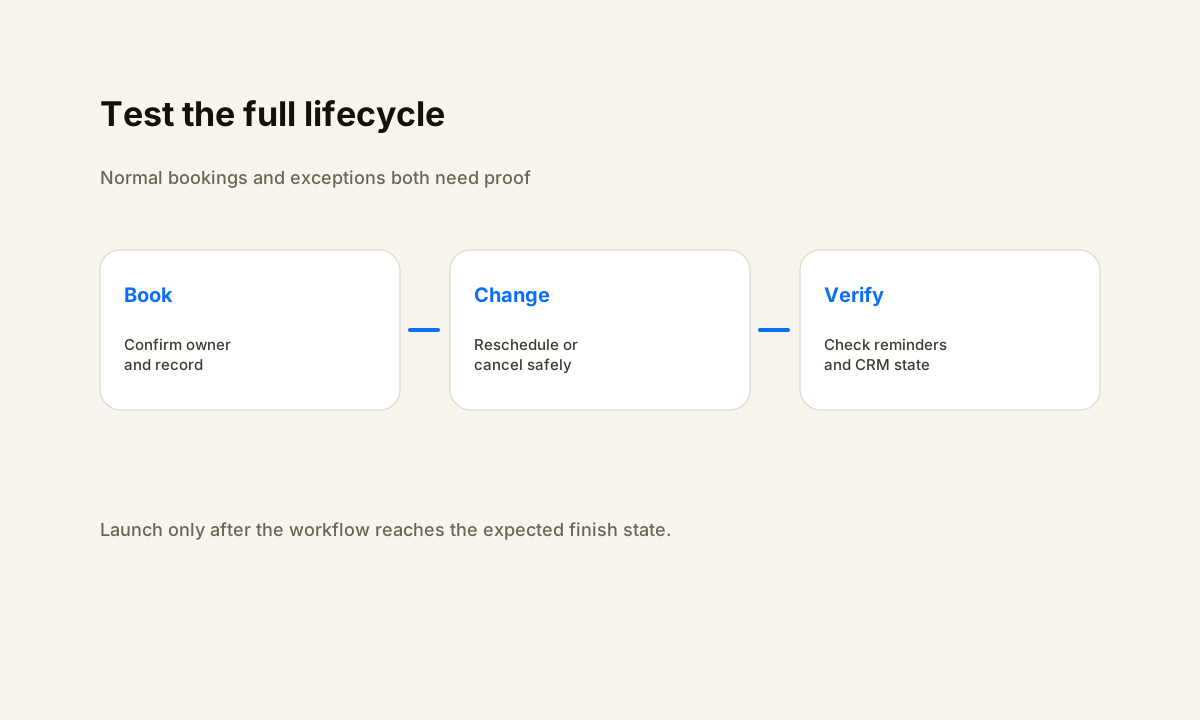
Test with controlled bookings before sending real traffic. Cover each appointment type and owner. Test an available slot, a blocked slot, different time zones, required form validation, confirmation delivery, each reminder, a reschedule, a cancellation, a returning contact, and an intentional exception.
After every test, inspect the calendar event and the CRM record. The expected owner, appointment time, source, and next step should agree.
Do not launch solely because the booking page opens. A practical launch gate is evidence that normal bookings and the important failure paths have been exercised, that the team knows where exceptions appear, and that the old booking destination will not continue creating records in a competing workflow.
Keep a rollback option for any change that replaces an existing high-volume booking path.
What Healthy 30, 60, and 90 Day Ownership Looks Like
Use 30, 60, and 90 days as planning checkpoints, not promised performance outcomes. In the first checkpoint, confirm that every appointment type is routing correctly, exceptions are visible, staff know how to make changes, and the CRM contains the fields needed to understand booking source and status. Remove manual workarounds only after the automated path has been verified.
At the second checkpoint, review actual exception patterns. Look for duplicate contacts, incorrect owners, stale availability, missing reminder states, booking types people rarely use, or staff changes that were not reflected in routing. Fix the smallest root cause rather than layering another automation on top of an unclear rule.
At the third checkpoint, decide whether the system needs expansion. That might mean adding another appointment type, connecting a payment step, improving qualification, adding reporting, or integrating another CRM workflow. Expansion should follow verified operational demand. If the original booking path is still generating unresolved exceptions, stabilize it before adding more complexity.
For a broader implementation framework, read how to evaluate business process automation consultants. For the booking model trade-offs, see automated booking and scheduling for service pros. You can also review the HWA automation library for related CRM and workflow guides.
Need the booking workflow mapped before you build it?
Help With Automation can review the current calendar, CRM, intake, routing, and follow-up path, then identify the smallest implementation that makes the booking handoff reliable.
Book a consultationFrequently Asked Questions
What should an automated booking system setup include?
A complete setup should define appointment types, availability, intake fields, routing rules, reminders, confirmations, rescheduling and cancellation behavior, CRM updates, exception ownership, and a repeatable acceptance test.
Should professional services firms use their CRM calendar or a separate scheduling tool?
Use the simplest tool that can enforce the required availability, routing, intake, reminder, and CRM handoff rules. Native CRM scheduling can reduce integration points, while a separate scheduler can make sense when it provides a required capability the current stack lacks.
How do you prevent double booking in an automated booking system?
Connect the calendars that represent real availability, define conflict rules and buffers, test multiple booking paths, and verify that reschedules and cancellations release or retain time exactly as intended.
What information should a booking form collect?
Collect only information needed to route and prepare for the appointment, such as contact identity, service or meeting type, relevant qualification details, preferred location, and consent fields when applicable. Avoid collecting data that nobody uses.
How should a booking automation be tested before launch?
Run controlled bookings for each appointment type and owner. Test time zones, conflicts, reminders, reschedules, cancellations, CRM state changes, and exception paths, then confirm the expected record and calendar state after every test.