
Business Automation
Why Small Business Invoices Get Paid Late

You finished the work weeks ago. The invoice is still sitting unpaid, and every follow-up feels a little more awkward than the last. If that sounds familiar, you are in the majority: late payment is now the default experience for small businesses, not the exception.
This guide explains why it happens, using the payment-cycle evidence in the sources below: the five friction points that delay almost every late invoice, what the waiting actually costs, and the fix sequence we run with service businesses before any invoicing automation engagement.
TL;DR
- 59 percent of small businesses have invoices overdue by 30 days or more, and the average business waiting is owed $17,700 (QuickBooks, 2026).
- Late payment is mostly friction: invoices sent late, details missing, terms too long, approvals unscheduled, and follow-up left to memory.
- Fixes that work: invoice the same day, complete details every time, shorter terms with a deposit, scheduled reminders, and one-click payment.
- Run the Paid-on-Time Checklist before buying anything: it shows which friction point is costing you the most days.
Why do small business invoices get paid late?
The rest of this guide walks the evidence in order: how big the problem is, the five friction points that cause it, what the delay costs beyond the invoice itself, and the exact fix sequence, ending with the checklist we use to decide where to start.
How big is the late payment problem?
The Intuit QuickBooks 2026 Small Business Late Payments Report found that nearly 3 in 5 businesses, 59 percent, have invoices overdue by 30 days or more, up from 47 percent a year earlier. Businesses with unpaid invoices are owed $17,700 on average.
The wait does not end when the customer pays. The same report found 49 percent of owners say standard payment processing times still create critical or moderate cash flow gaps after payment, and 59 percent paid extra fees last year just to access money they had already earned.

The five friction points behind almost every late invoice
Read enough overdue invoices and the same five causes repeat. None of them require a dishonest customer. Each one is a process gap on one side of the transaction or the other, and each one adds days before anyone notices money is missing.
- The invoice goes out late. Work finishes Friday; the invoice leaves the following Thursday. Every day you wait to send is a day added to the wait to get paid, before terms even start counting.
- Details are missing. No purchase order number, the wrong contact, a vague line item. The payer cannot process what they cannot match, so the invoice waits in a queue you cannot see.
- Terms run long. Net 30 and net 60 terms hand the customer weeks to forget. QuickBooks found businesses on long terms carry far more overdue invoices than businesses that ask for payment immediately.
- An approval sits unscheduled. Inside the customer’s business, someone must approve the payment. If that person is travelling or the approval has no deadline, your invoice waits behind everything with one.
- Nobody follows up. The first reminder goes out when the owner happens to notice, often weeks past due. By then the invoice competes with newer bills, and the awkwardness makes the next reminder later still.
Our guide to automated invoice reminder examples shows what the follow-up piece looks like when it runs on a schedule instead of on memory.
What does the waiting actually cost?
The obvious cost is cash flow: $17,700 owed on average is rent, payroll, and materials money parked in a customer’s accounts payable queue. The report found 42 percent of owners say outside pressures delayed payments they owed to their own contractors, suppliers, or vendors, so one late payer creates the next one.
The quieter costs add up too. Owners spend hours drafting follow-ups that feel like nagging. Businesses pay fees to access earned money faster. And the relationship cost is real: the longer an invoice sits, the more every conversation with that customer starts with money instead of work.
Our automation ROI guide shows how to price this delay for your own books: days sales outstanding, hours spent chasing, and fees paid to bridge the gap.
The fix sequence: remove friction in the order it happens
Fix the friction points in the order an invoice meets them. Each step below maps to one cause above, and none of them require new software to start; the tools you already use, including QuickBooks and Xero, support the reminder and payment steps natively.
- Invoice the day the work lands. Same-day invoicing starts the clock when the value is freshest in the customer’s mind.
- Send a complete invoice every time. Correct contact, purchase order number where one exists, itemized lines, the total, and the due date stated as a date, not just terms.
- Shorten the terms. Move standard work to due on receipt or net 7 or 14, and take a deposit before bigger jobs so part of the money is never at risk.
- Schedule the reminders. Set automatic reminders before the due date, on the day, and at set intervals after, each with a payment link. Both QuickBooks and Xero document this as a built-in setting.
- Make paying effortless. One click to a card or bank payment inside the invoice and every reminder. Friction at the payment step is still friction.
- Escalate on a ladder. Friendly reminder, firmer reminder, a phone call, then a pause on new work. A written ladder removes the emotion from each step.
If you are comparing tools while you fix the process, our shortlist of the best invoicing automation solutions covers what each one handles well.
The Paid-on-Time Checklist
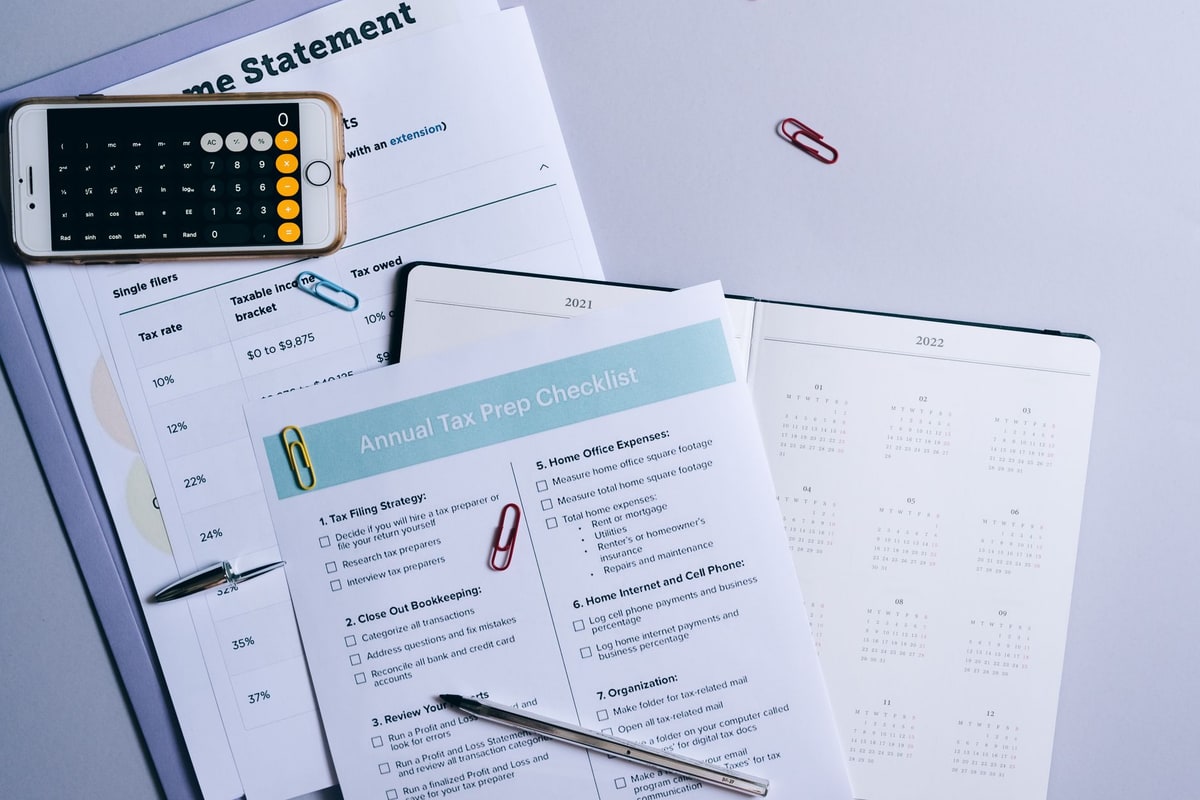
This is the checklist we run before any invoicing automation engagement. It is our method, not a measured client outcome. Score each item honestly; every no is a friction point adding days to your average payment time.
- Same-day send. Invoices leave the day work is delivered or the milestone lands.
- Complete details. Every invoice carries the right contact, references, itemized lines, total, and a dated due date.
- Short standard terms. Default terms are due on receipt or net 14 or shorter, with deposits on larger jobs.
- Scheduled reminders. Reminders fire before, on, and after the due date without anyone remembering.
- One-click payment. Every invoice and reminder carries a working card or bank payment link.
- Visible aging. You can see every open invoice and its age at a glance, today, without building a report.
- Written escalation. The steps past 7, 14, and 30 days overdue are written down and followed the same way every time.
- Weekly review. Someone reviews the aging list weekly and works the ladder, so nothing drifts silently.
Six or more yes answers means your process is sound and automation will mostly save time. Fewer means the process itself needs repair first; automating a late, incomplete, unreminded invoice just produces the same late payment with better tooling.
Frequently asked questions
Why do invoices get paid late?
Most late payment is friction, not refusal. The invoice went out late, landed with the wrong person, or missed a detail the payer needed. Long terms give customers time to forget, and nothing follows up until the owner notices. Each gap adds days, and the days stack.
How many small businesses have overdue invoices?
Nearly 3 in 5. The Intuit QuickBooks 2026 Small Business Late Payments Report found 59 percent of small businesses have invoices overdue by 30 days or more, up from 47 percent the year before. Late payment is the norm now, which is why the fix has to be a system.
How much are small businesses owed in late payments?
Businesses waiting on unpaid invoices are owed $17,700 on average, according to the same QuickBooks report. That is payroll, materials, and tax money sitting in someone else’s inbox. And 49 percent of owners say payment processing times still create cash flow gaps after the customer pays.
Do automatic invoice reminders actually help?
Yes, because they remove the weakest link: memory. QuickBooks and Xero both let you schedule reminders before the due date, on the day, and after it passes, with a payment link in every message. Polite, predictable reminders get paid before awkward manual chasing ever starts.
What payment terms help invoices get paid faster?
Shorter ones. QuickBooks found that businesses requiring immediate payment were nearly twice as likely to have no overdue invoices at all, while long net terms give customers more time to forget. Deposits up front, clear due dates, and a one-click way to pay all shorten the wait.
Sources
All figures in this article are attributed to their publishers and linked, with context on what each source actually states. Payment statistics are reported figures from the Intuit QuickBooks research linked below, not Help With Automation measured outcomes. The checklist is presented as a decision method, not a result.
- Intuit QuickBooks: 2026 Small Business Late Payments Report (59 percent of businesses carry invoices overdue by 30 days or more; $17,700 owed on average; processing delays and fee pressure after payment)
- Intuit QuickBooks help: Send invoice reminders automatically (scheduled reminders before, on, and after the due date, so follow-up does not depend on memory)
- Xero Central: Get your invoices paid faster (invoice promptly, set clear terms, make payment easy, and follow up on a schedule)
Each guide is written from hands-on automation implementation work with service businesses. We verify setup and tool claims against live sources, and update guides when the market moves.