
Business Automation
n8n vs Zapier for Advanced Multi-Step Automations
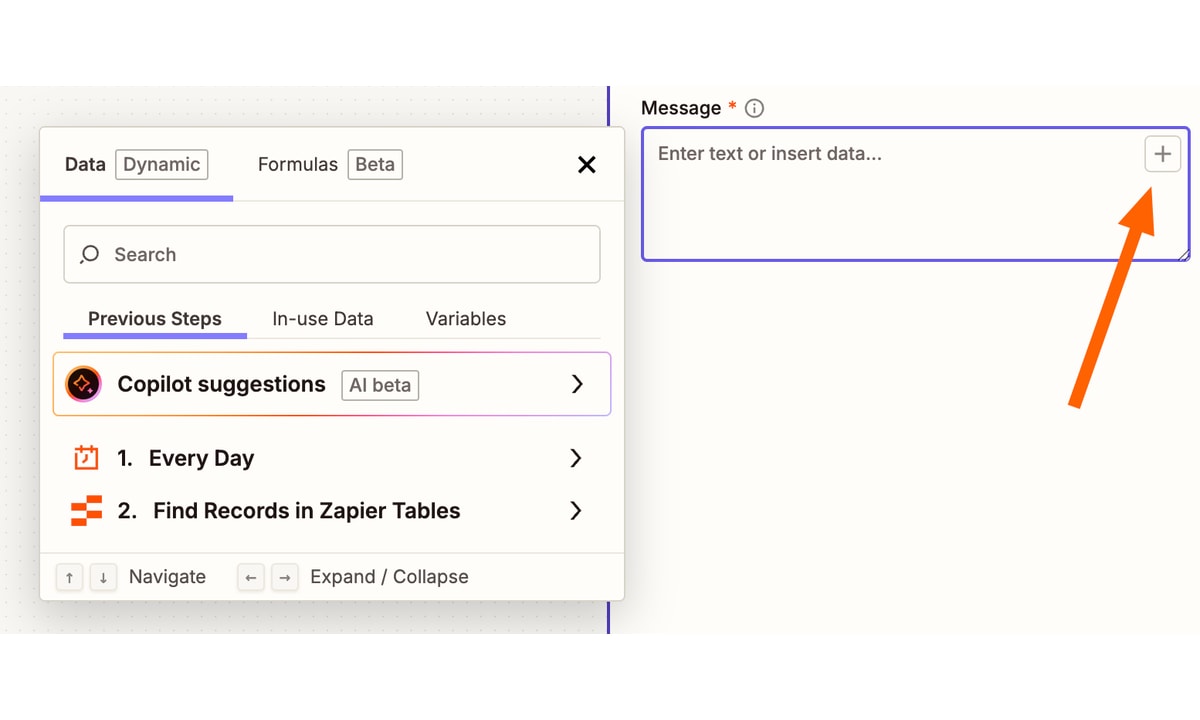
Your workflows keep growing, and the bill grows with them. One tool charges for the whole run, the other charges for every step inside it, and that single difference decides which one is cheaper at your volume.
This guide compares the two tools on the facts that decide the choice: what each one bills, how each handles branching and code, and which one fits a small business running advanced multi-step automations. Every number below comes from the published guides in our Sources.
TL;DR
- n8n bills one execution per run; Zapier bills one task per action step.
- A 5-step workflow running 1,000 times costs 1,000 n8n executions against 5,000 Zapier tasks.
- n8n starts at 20 euros a month for 2,500 executions; Zapier Pro starts at $19.99 for 750 tasks.
- Pick n8n for branching and code at volume; pick Zapier for simple setups and app coverage.
What is the difference between n8n and Zapier?
The rest of this guide puts numbers on that summary. First the side-by-side comparison, then what multi-step workflows cost at real volume, then where each tool wins.
n8n vs Zapier for advanced multi-step business automations: the comparison
Start with the shape of each tool. n8n is a node-based workflow engine you can run on your own server or buy hosted, and every node takes JavaScript or Python. Zapier is the cloud default: a linear step editor, more than 7,000 apps, and task-based billing where triggers, filters, and failed steps are free.
| Factor | n8n | Zapier |
|---|---|---|
| Billing unit | One execution per run | One task per action step |
| Entry paid plan | 20 euros a month, 2,500 executions | $19.99 a month, 750 tasks |
| Free plan | Self-hosted, unlimited executions | 100 tasks a month, 2-step Zaps |
| Integrations | About 400 native nodes plus HTTP | More than 7,000 apps |
| Self-hosting | Yes, free Community Edition | No, cloud only |
| Custom code | JavaScript and Python nodes | Basic code step only |
| Branching | Native IF, Switch, and loops | Paths on paid plans |
| AI agents | Native LangChain nodes | AI actions inside Zaps |
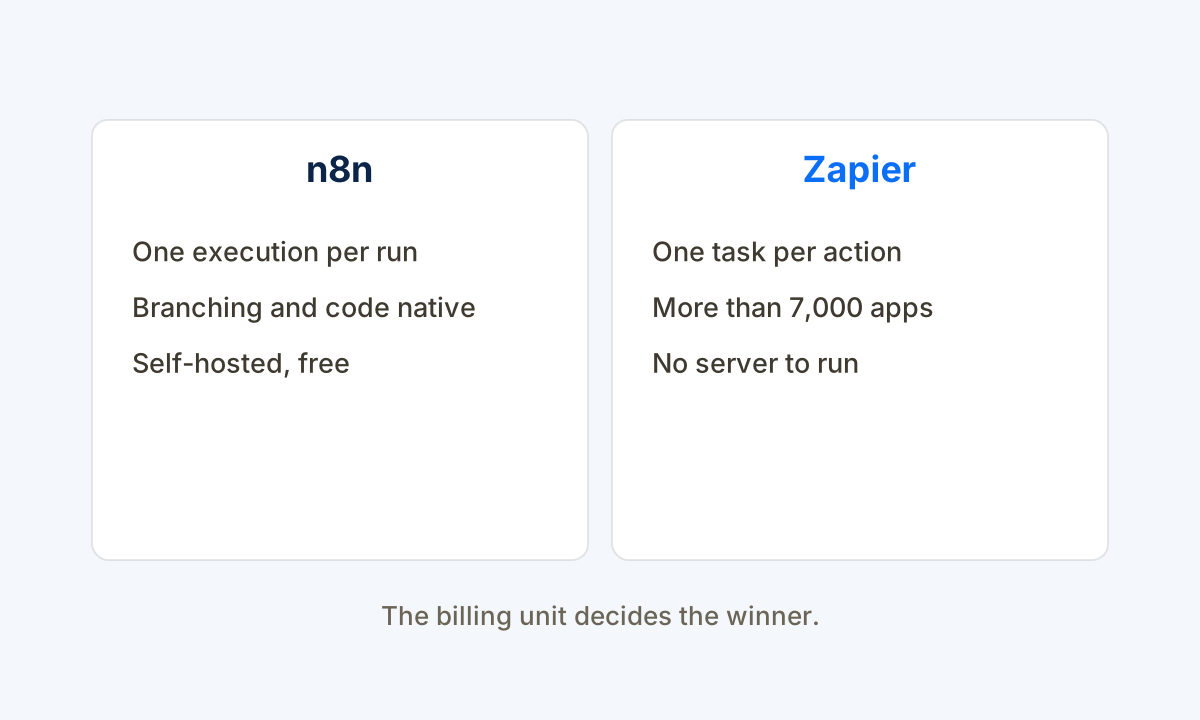
The billing unit is the whole story. One n8n execution covers a 20-node workflow, while Zapier bills roughly 20 tasks for the same run if every node is an action. The Dev.to guide is direct: model your volume in units, not in plans.
Self-hosting is the second split. n8n Community Edition runs free on your own server with unlimited executions, so the only cost is the server itself. Zapier is cloud only, which means you always pay per unit, forever.
What multi-step workflows cost at real volume
Start with the billing unit, because it decides the whole comparison. The Ossalt guide puts it plainly: n8n bills per workflow execution and Zapier bills per task, so a 5-step workflow running 1,000 times uses 1,000 n8n executions and 5,000 Zapier tasks. On the Starter plan that workflow would cost $79 a month on Zapier.
Scale the same math to 10,000 runs. The Ossalt guide prices 10,000 executions of a 5-step workflow at about $5 a month self-hosted on n8n, 50 euros on n8n Cloud, and about $599 a month on Zapier. The Softr guide agrees: 10,000 runs with 5 actions fit the 10,000-execution n8n plan and need about 50,000 Zapier tasks.
The lead-workflow example makes it concrete. The Abhishek guide builds a 4-action lead flow at 1,000 leads a month: 4,000 Zapier tasks on the Pro 5,000-task tier at $89 a month, against 1,000 n8n executions at 20 euros a month. Our n8n versus Make comparison runs the same billing-unit math against the third tool.

Where each tool wins
n8n wins on complex volume. Branching, loops, and code nodes are native, one execution covers the whole run, and the self-hosted Community Edition has no execution meter at all. Our guide to Zapier versus Make in depth shows where the managed middle option sits.
Zapier wins on ease and coverage. Setup takes minutes, no server exists to maintain, and more than 7,000 apps connect without code. The Dev.to guide puts the choice plainly: pick n8n if you can keep a server alive, pick Zapier if 9,000 plus apps and a no-code builder matter more than the invoice.
The honest answer for most small businesses is to count first, then choose. Our small business automation guide starts the same way: list the workflows, count the steps, multiply by the runs, and only then compare the plans.

The Multi-Step Fit Check we run
This check is our method, not a measured client outcome. Before we recommend a workflow tool for a service business, we score each point below against the research above, so the right tool gets picked for the actual workflows, not the brochure.
- How many steps run per workflow? More steps per run favors per-execution billing; one or two steps keeps per-task billing cheap.
- How often does it run? High volume favors n8n, because one execution covers the whole run no matter how long it is.
- Does it branch or loop? Branching, loops, and code nodes are native in n8n; Zapier handles them through Paths on paid plans.
- Which apps must connect? Check every must-have tool first, because Zapier covers more than 7,000 apps and n8n covers about 400 native nodes.
- Who maintains it? A team that can run a server gets self-hosted n8n for the price of the server; a team that cannot should pay for managed Zapier.
At Help With Automation, we run this check inside our AI automation work: the workflow gets built on the tool that fits its step count and volume, and every run lands on the same record.
Frequently asked questions
Is n8n better than Zapier?
For advanced multi-step workflows at volume, yes. One n8n execution covers the whole run, while Zapier bills every action step, so costs compound fast. For simple two-step automations or a team that wants no server to manage, Zapier is the easier pick.
How much does n8n cost compared to Zapier?
n8n Cloud starts at 20 euros a month for 2,500 executions, and self-hosting costs only the server, about $5 to $15 a month. Zapier Pro starts at $19.99 a month for 750 tasks. A 5-step workflow running 1,000 times uses 1,000 n8n executions against 5,000 Zapier tasks.
Is Zapier worth it for a small business?
Yes, when automations are simple and low volume. The free plan covers 100 tasks a month, setup takes minutes, and 7,000 plus integrations mean most tools connect without code. It stops being worth it when multi-step workflows run often, because every step bills separately.
Which is better for multi-step workflows, n8n or Zapier?
n8n, for anything beyond a few steps. Branching, loops, and code nodes are native, and one execution covers the whole run. Zapier handles multi-step Zaps with Paths on paid plans, but each action still bills as a task, so long workflows cost more per run.
Can n8n replace Zapier completely?
Usually, for a technical team. n8n covers the common apps, and its HTTP node reaches anything with an API. It cannot match Zapier on niche app coverage, with about 400 native nodes against more than 7,000 Zapier apps, so check your must-have tools first.
Sources
Tool pricing and capability claims in this article are brief summaries of the published guides linked below, checked for this article. The Multi-Step Fit Check is our own working method, presented as method rather than a measured client outcome.
- n8n versus Zapier pricing comparison: n8n Starter Cloud runs $20 a month billed annually for 2,500 workflow executions with unlimited steps, Zapier Pro runs $19.99 a month billed annually for 750 tasks with multi-step Zaps; n8n Pro is $50 a month for 10,000 executions and Zapier Team is $69 a month for 2,000 tasks; a workflow with 5 actions running 10,000 times counts as 10,000 n8n executions and about 50,000 Zapier tasks
- n8n versus Zapier versus Make comparison: n8n has about 1,200 native integrations plus custom HTTP and Zapier has more than 7,000; n8n bills per workflow execution and Zapier bills per task; a 5-step workflow running 1,000 times uses 5,000 Zapier tasks and would cost $79 a month on the Starter plan; 10,000 executions of a 5-step workflow cost about $5 a month self-hosted on n8n, 50 euros on n8n Cloud, and about $599 a month on Zapier
- n8n versus Zapier self-hosted power or cloud convenience: pricing checked October 2026 puts n8n self-hosted Community at $0 with unlimited executions and your own server, Zapier free at 100 tasks a month with 2-step Zaps only; n8n Cloud Starter is 20 euros a month for 2,500 executions with unlimited steps and Zapier Professional is $19.99 a month for 750 tasks; triggers, filters, and failed steps are free on Zapier while completed action steps bill
- n8n versus Zapier versus Make pricing with worked math: a 5-step workflow run once uses 4 Zapier tasks because the trigger is free and 1 n8n execution; a lead workflow with 4 actions after the trigger at 1,000 leads a month uses 4,000 Zapier tasks on the Pro 5,000-task tier at $89 a month annual and 1,000 n8n executions on the Starter plan at 20 euros a month
Each guide is written from hands-on automation implementation work with service businesses. We verify setup and tool claims against live sources, and update guides when the market moves.