
CRM Automation
Is CRM Difficult to Learn? Fix the Adoption Problem

Is CRM difficult to learn? For most small businesses, the honest answer is yes, but not because the software is beyond them. The difficulty comes from a CRM configured around executive reporting instead of the daily work the team actually does.
This guide explains why CRM adoption fails at small businesses and how to make the system easy to learn without another training marathon. It covers the setup mistakes that create the learning curve, and the automation fixes that flatten it.
If you are still choosing a platform, start with our CRM automation services overview, then come back here to fix adoption.
TL;DR
- Most CRM difficulty is a configuration problem, not a people problem: too many fields, too many clicks, and workflows that do not match daily work.
- Trim the interface to what the team uses daily, and automate the data entry nobody wants to do.
- Involve frontline staff before configuring anything; the people who use the CRM know what it must capture.
- A CRM your team opens willingly beats the most powerful platform they avoid.
Is CRM difficult to learn?
The pattern is familiar: the owner buys the CRM, the team attends training, and within a month everyone is back in spreadsheets and inboxes while the CRM holds stale data. The problem was never the training. The problem is that doing the right thing in the CRM is harder than doing the wrong thing outside it.
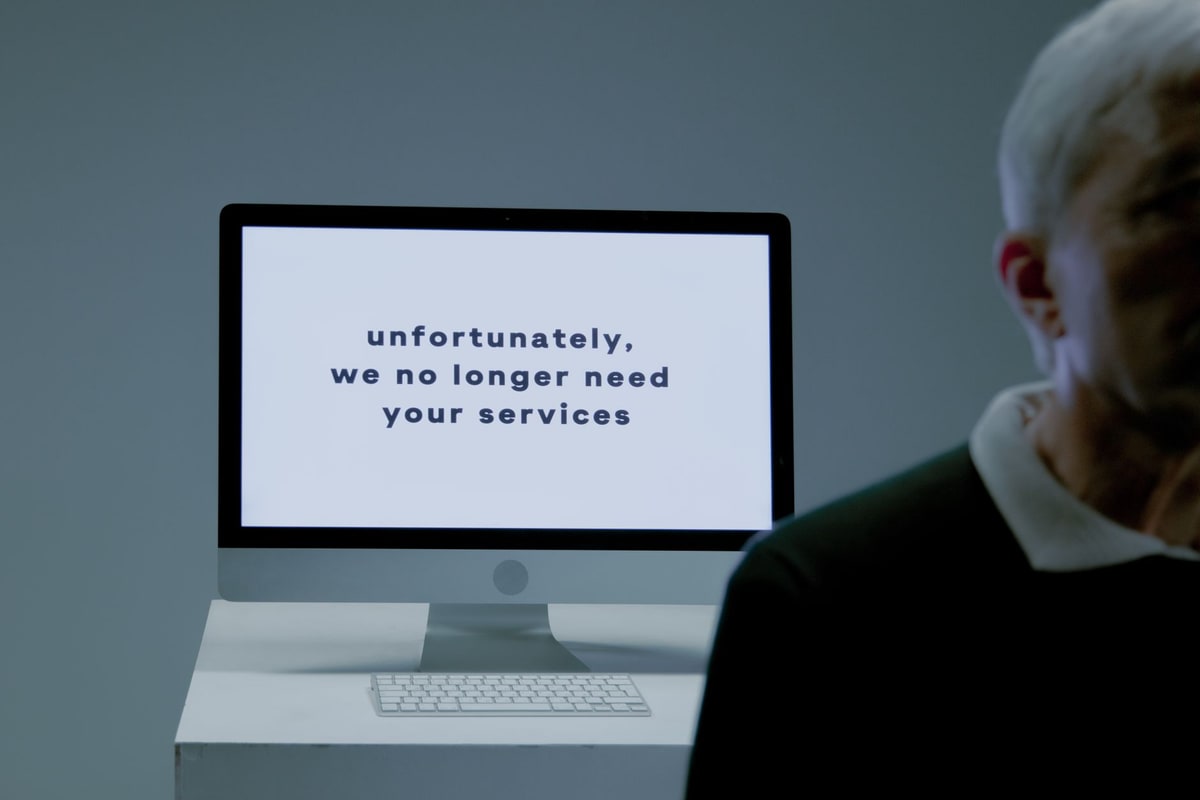
Why CRM feels hard to learn
Research on small-business CRM adoption points to the same handful of causes. Every one of them is a setup choice, which means every one of them is fixable.
- Built for enterprises, sold to small teams. Many CRM platforms are designed for larger companies, and Vtiger's adoption guide describes them as overengineered and daunting for small businesses with limited resources and technical know-how. Navigating that much capability means a steep learning curve and extensive training.
- Configured around reports, not work. Most CRMs get set up to answer what executives want to see, not what frontline staff need to do. Agility Portal's adoption analysis shows the result: a system that takes twelve clicks for a task that used to take three, so employees take shortcuts around it.
- Too many fields, too much typing. The classic example from the same analysis: a service technician needs five pieces of customer information to complete a job, while management asks IT to collect twenty-five. Employees simply stop completing the extra fields, and data quality collapses.
- Rolled out without the people who use it. Forrester research summarized by Agility Portal found that 45% of CRM implementation challenges stem from cultural resistance, 44% from user adoption difficulties, and 42% from inadequate change management and planning. Training alone does not fix a system nobody helped design.
- Disconnected from the tools people already use. Vtiger and Method both flag integration as a core challenge: when the CRM does not talk to email, the phone system, and the calendar, the team does double entry. Double entry is where adoption goes to die.

How to make a CRM easy to learn
The fix is not more training. The fix is making the right thing the easy thing. Run these steps in order.
- Map the real workflow first. Before configuring a single field, write down how a lead actually moves through your business: who touches it, what information each person truly needs, and where deals stall. Involve the people who will live in the CRM; they know what it must capture.
- Cut every field the team does not use weekly. If a field is not read or acted on in a normal week, it does not belong on the main screen. Moving unused fields off the primary layout is the fastest way to flatten the learning curve, and our CRM data cleanup guide covers the cleanup process in detail.
- Automate the data entry. Calls, emails, form fills, and appointment outcomes should log themselves. Data entry is the single biggest reason sales teams avoid CRMs, and automation removes the chore instead of asking people to try harder.
- Build pipelines that match your sales stages. Rename the stages to your language, remove the ones you never use, and wire each stage to the follow-up it needs. A pipeline that mirrors reality needs almost no explanation.
- Train on real deals in short sessions. Skip the feature tour. Walk the team through their own open deals and their own next steps, in sessions short enough to stay practical. If the learning curve still looks steep for your team, a CRM automation specialist can configure the system around your workflow before rollout.
What to check before you buy or switch CRMs
Run every candidate through these checks before you commit, using a trial with your own data.
- A real day of work, not a demo. Have the team enter an actual lead, move an actual deal, and find an actual contact. If that takes training wheels, the learning curve is the product, not the team.
- Integration with the tools you already use. Email, calendar, and phone should connect without custom development, or the team will keep living in the old tools.
- Honest pricing. Ask what seats, messaging, and storage cost at your actual headcount before you sign; the sticker price is rarely the whole bill.
- A clean exit. Your contacts, notes, and message history should export in a usable format. If the vendor makes leaving hard, that tells you what they think of their own adoption numbers.
- A migration plan for existing data. Messy imports teach the team that the CRM is unreliable from day one. Our data cleanup and migration service guide shows what a clean handoff looks like.

How we handle CRM adoption at Help With Automation
When we set up a CRM for a service business, adoption is a deliverable, not a hope. We shadow the real workflow before configuring anything, build only the screens the team uses daily, and automate logging and follow-up so the system fills itself.
We hand over with short recorded walkthroughs tied to the team's own deals. The system earns its place by removing typing, not adding it. That is the editorial standard behind every guide on this blog: real implementation work, vendor claims checked against live sources, and updates when the market moves.
Frequently asked questions
How long does it take to learn a CRM?
A simplified setup matched to your team's daily workflow can be usable within the first week. An overengineered platform takes far longer: Vtiger's adoption guide notes that navigating enterprise-grade CRMs often requires extensive training and ongoing support. Smaller scope and automated data entry are what shorten the timeline.
Is Salesforce CRM difficult to learn?
Salesforce is built for enterprise complexity, and that is the difficulty. Vtiger's adoption research describes enterprise-grade platforms as overengineered and daunting for smaller teams with limited resources. The fix is the same regardless of brand: trim the interface to daily tasks, automate the busywork, and train on real workflows.
What makes a CRM hard to use?
Three things: too many required fields, too many clicks for simple tasks, and a layout built for management reports instead of frontline work. Agility Portal's adoption analysis shows employees abandon systems that slow them down, reverting to spreadsheets and notes while the records go stale.
Why is CRM adoption so low at small businesses?
Complexity, cost, messy data, and poor integration with existing tools all work against it. Vtiger's guide adds that small teams struggle to maintain data quality through manual entry, and Method's guide points to natural resistance to change. A CRM that adds work instead of removing it will not get used.
Can automation make a CRM easier to learn?
Yes, because most of what feels hard is typing and clicking. When calls, emails, and form fills log themselves and follow-up runs from the pipeline, the team only learns the screens that matter. Fewer fields to fill means fewer reasons to avoid the system.
Sources
CRM adoption research in this guide comes from the following sources, checked 2026-10-01.
Each guide is written from hands-on automation implementation work with service businesses. We price real workflows, verify vendor claims against live sources, and update guides when the market moves.