
How to Hire a Workflow Automation Specialist
Hiring a workflow automation specialist simplifies your business operations. This guide explores how to evaluate specialists, compare engagement models, and understand what to expect from an automation partner.

TL;DR
- Define your automation needs clearly before starting a search for a specialist.
- Consider in-house, fractional, or agency options based on your project scope and internal capacity.
- Look for a specialist who understands core business operations like lead response and client intake.
- Prioritize experience with specific tools and building resilient workflows that handle errors.
- A healthy engagement starts with discovery and builds quickly to tangible, measurable results for your business.


1. Understanding the Workflow Automation Specialist Role
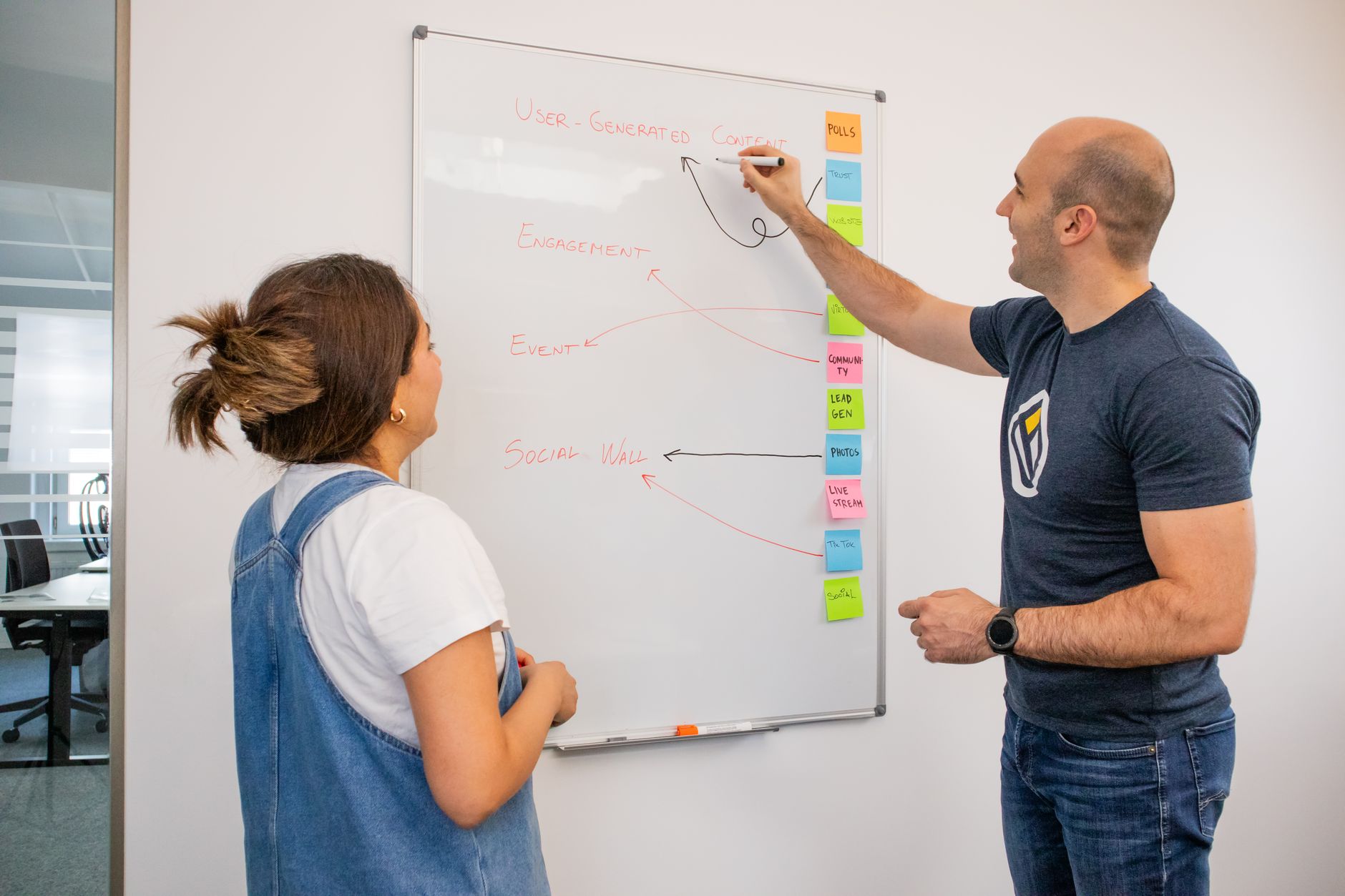
A workflow automation specialist streamlines your business processes. This expert identifies repetitive tasks, designs automated solutions, and implements them using various tools. Their goal is to make operations smoother, reduce manual effort, and ensure consistency.
They work with different departments, from sales and marketing to operations and customer service. An automation specialist connects disparate systems, sets up triggers, and defines actions. This creates seamless workflows, such as automating lead follow-up or client intake for a growing business.
2. Evaluating Your Needs: When to Hire a Specialist
Hire a workflow automation specialist when manual tasks consume too much time or lead to errors. Many businesses experience bottlenecks at key points like lead qualification, appointment booking, or reporting. These are ideal candidates for automation.
Before you begin your search, understand which problems you need to solve. Do you want to reduce your speed-to-lead time? Do you need to improve data accuracy during client onboarding? Clearly define the scope of your automation project. This preparation helps you find the right expertise.
3. In-House, Fractional, or Agency: Choosing Your Engagement Model
Selecting the right engagement model depends on your budget, project complexity, and internal resources. Each option offers distinct advantages for businesses seeking automation help.
Hiring an in-house specialist provides dedicated support and deep company knowledge. This path involves higher overhead costs and a longer hiring process. A fractional specialist offers expertise for specific projects without the commitment of a full-time hire. They are often flexible but may not be available for daily support.
An automation agency like Help With Automation provides a team of specialists. Agencies offer broader skill sets and faster deployment because they have existing frameworks and experience across many clients. This model reduces your risk and often delivers results more quickly. Many businesses start with a comprehensive workflow automation audit to understand their best path.
4. Key Skills and Experience to Look For
A capable workflow automation specialist possesses a mix of technical and operational skills. They understand business processes and how to translate them into automated sequences. Look for experience in identifying pain points and designing solutions.
Experience with specific tools is crucial. Many specialists work with platforms like Zapier, Make, HubSpot, or GoHighLevel. They should know how to configure these tools for common workflows such as automated lead follow-up. A strong candidate also understands how to build exception paths, ensuring workflows handle unexpected inputs or errors gracefully.
5. What to Expect: Onboarding and First 90 Days
A structured onboarding process ensures a smooth start with your automation specialist. The first 30 days typically involve discovery and strategy. Your specialist will audit existing processes, identify automation opportunities, and define clear project goals. For example, HWA would analyze an HVAC company's lead response workflow to pinpoint delays.
Days 31-60 focus on building and implementing core automations. The specialist configures the chosen tools, integrates systems, and sets up initial workflows. They test these systems thoroughly to ensure they perform as expected. This phase might involve building a new client intake form that automatically populates your CRM.
The final 30 days, 61-90, involve refinement and rollout. The specialist monitors performance, makes necessary adjustments, and trains your team on new processes. They ensure the automated systems are stable and ready for scaling. We collaborate closely with your team throughout this period, ensuring everyone understands their role in the new, automated process.
6. Measuring Success and Ongoing Partnership
Measuring the success of automation projects requires clear key performance indicators (KPIs). For lead response automation, measure speed-to-lead and conversion rates from initial contact to booked appointment. For client intake, track data accuracy and time saved on manual entry. Help With Automation helps define these metrics early in the engagement.
An ongoing partnership often involves regular check-ins and performance reviews. This ensures the automation continues to meet your evolving business needs. Specialists also help iterate on existing workflows, applying improvements based on performance data. This continuous optimization helps your systems remain effective and adaptable.
7. Why Help With Automation Partners with Businesses Like Yours
Help With Automation provides tailored automation services to small and medium-sized businesses. We understand the operational challenges of managing leads, clients, and internal reporting. Our approach focuses on building resilient, measurable workflows that deliver tangible results.
Our team specializes in identifying inefficiencies and implementing practical solutions. We design systems that integrate with your existing tools, reducing friction and manual work. Many clients discover solutions to pain points like losing leads or slow client onboarding through our services.
Ready to discuss your automation needs? Contact Help With Automation today to see how we can help simplify your business processes. Alternatively, start with a workflow automation audit checklist to prepare for your next steps.
Related Automation Resources
Many businesses start with a comprehensive workflow automation audit to understand their best path.
automation servicesHelp With Automation provides tailored automation services to small and medium-sized businesses.
stop losing leadsMany clients discover solutions to pain points like losing leads or slow client onboarding through our services.
lead follow-up automationThey should know how to configure these tools for common workflows such as automated lead follow-up.
workflow automation audit checklistAlternatively, start with a workflow automation audit checklist to prepare for your next steps.
contact Help With AutomationReady to discuss your automation needs? Contact Help With Automation today to see how we can help simplify your business processes.
FAQ
How much does hiring a workflow automation specialist cost?
The cost varies significantly based on the specialist's experience, the complexity of your projects, and the engagement model chosen (fractional, agency, or full-time). Project-based fees, hourly rates, or monthly retainers are common structures. Obtain a current quote for your specific needs.
What does an automation specialist do?
An automation specialist designs, builds, and manages automated workflows for business operations. They identify manual tasks, choose appropriate tools like Zapier or Make, and create systems that trigger actions based on predefined conditions, such as automating lead response or client intake.
What should I automate first in my business?
Prioritize workflows with high repetition, many human handoffs, or a direct impact on revenue. Common starting points include lead response, customer onboarding, internal reporting, and sales pipeline follow-up. Focus on areas that currently consume significant manual time or have frequent errors.
Can automation specialists work with specific CRM systems like HubSpot or GoHighLevel?
Many automation specialists have expertise in integrating and optimizing popular CRM systems like HubSpot, GoHighLevel, and Salesforce. They configure custom workflows, set up data synchronization, and ensure automation aligns with your CRM's capabilities.
How does Help With Automation measure the success of an automation project?
Help With Automation measures success through defined key performance indicators (KPIs) relevant to the automated workflow. For example, for lead response, we track speed-to-lead and conversion rates. For client intake, we monitor onboarding completion times and data accuracy. We establish these metrics at the project's start.
What is the difference between workflow automation and AI automation?
Workflow automation focuses on automating repetitive tasks and processes using predefined rules and logic. AI automation involves using artificial intelligence and machine learning to handle more complex, data-driven tasks, often requiring pattern recognition or decision-making. A specialist might combine both in solutions.
Want this mapped to your business?
HWA can audit the manual work behind your sales, ops, and customer follow-up systems, then turn the best opportunities into working automation.