
Speeding Up Client Intake for Professional Service Firms
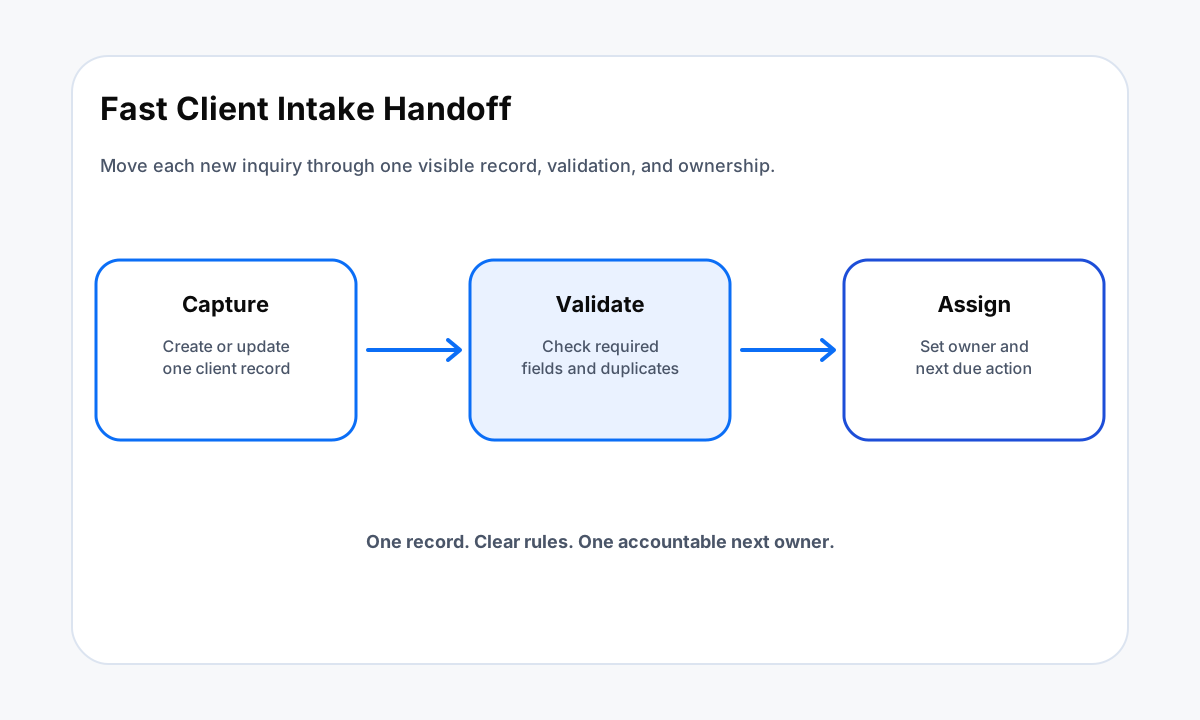
Speeding up client intake for professional service firms starts with one record, clear ownership, and visible states from inquiry through kickoff.
TL;DR
- Measure intake by state changes such as received, assigned, complete, approved, booked, and kickoff ready.
- Capture form data into one CRM record and validate required fields before routing work.
- Give every intake a named owner or exception queue instead of leaving the next step in a shared inbox.
- Automate repeatable handoffs while keeping human review around scope, conflicts, pricing, contracts, and other firm decisions.
Why Client Intake Slows Down
Professional service firms often treat intake as a set of small administrative tasks: read the form, create the contact, check whether the request fits, assign someone, request missing information, book a meeting, prepare an agreement, and tell the delivery team when the client is ready.
Each step can work on its own while the full process still stalls between people and systems.
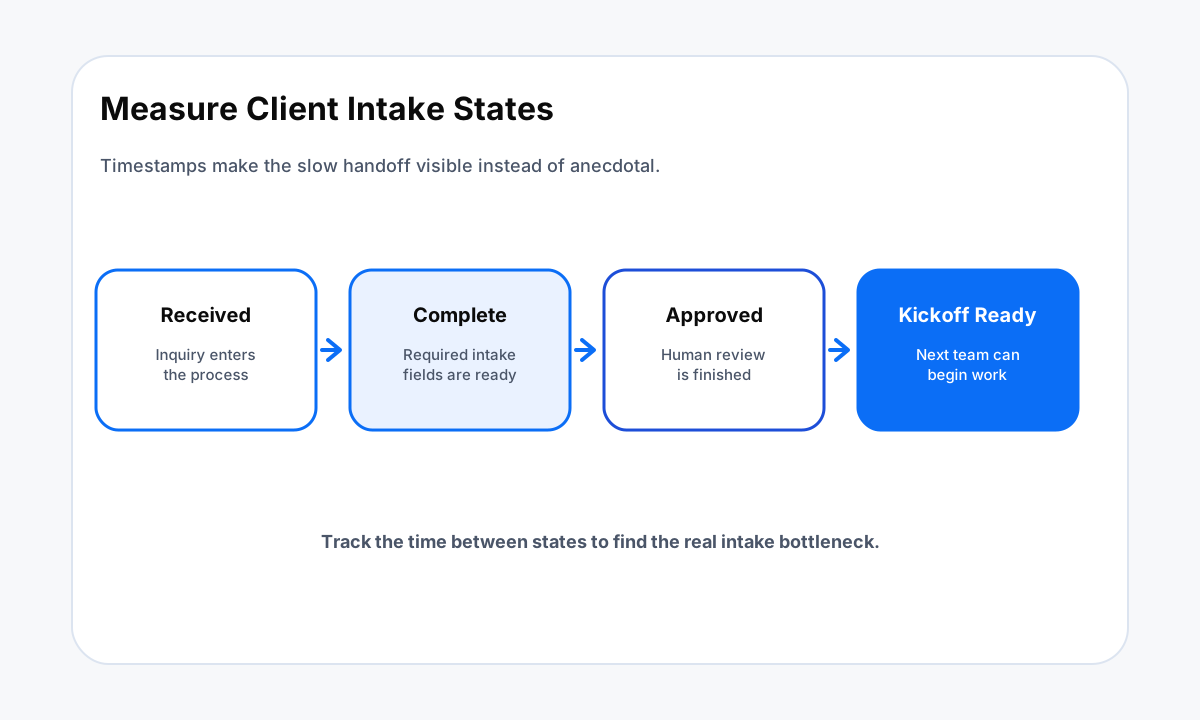
Measure the delay with timestamps, not impressions. Useful states include inquiry_received, record_ready, owner_assigned, info_complete, approval_complete, meeting_booked, and kickoff_ready. Add an exception_reason when the record cannot move forward. Once these states exist, the firm can see whether the bottleneck is missing data, assignment, review, scheduling, or a downstream requirement.
This approach is narrower than automating every onboarding task. It focuses on the time between a prospect raising a hand and the firm having enough verified information and ownership to move the work forward.
Speeding Up Client Intake Starts With One Clean Record
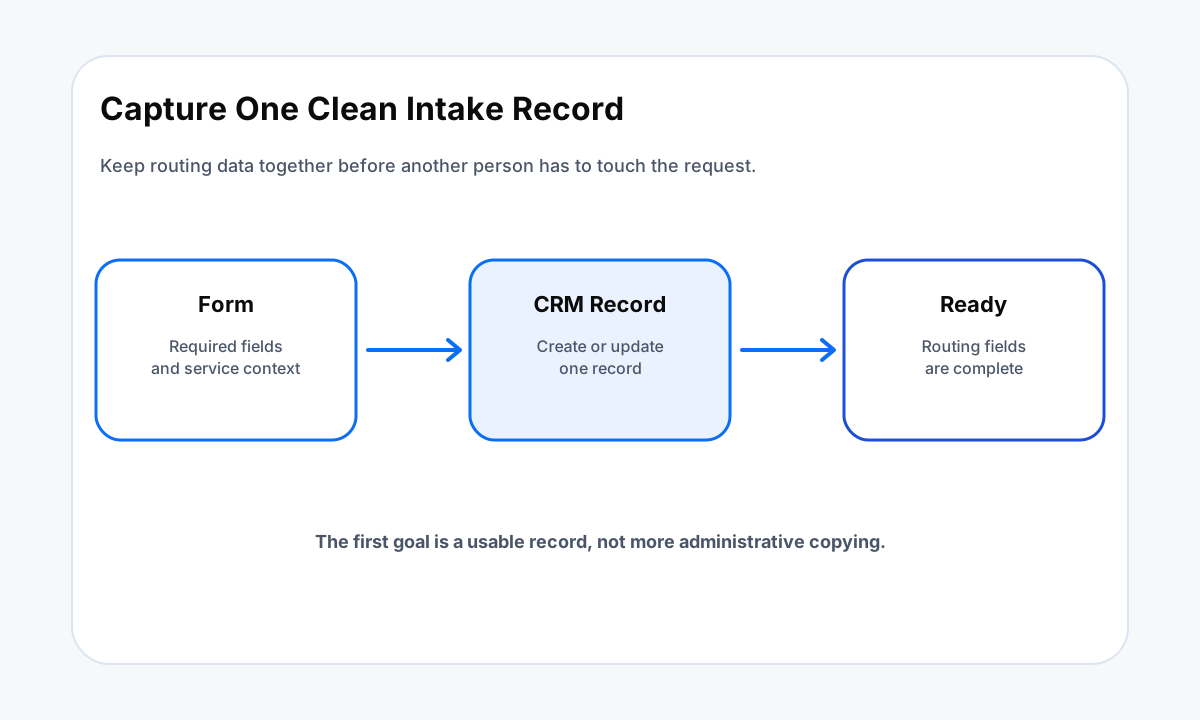
The first automation should create or update one client or prospect record from the intake source. HubSpot documents that forms can collect visitor information, create or update CRM records, and trigger follow-up actions.
Its form automation tools can also create records or tasks and assign an enrolled contact when the account supports those actions. HighLevel documents a Form Submitted workflow trigger that can start actions when a selected CRM form is submitted.
Use those platform capabilities as building blocks, not as the process design. Decide which fields are required for routing before the form goes live. Keep optional discovery questions out of the critical path unless the next step depends on them.
If the firm needs service type, geography, company size, matter type, or another qualifier to choose an owner, make that field structured enough to drive a rule.
Before creating a second record, check for an existing contact or account with a stable identifier. A repeat form submission may be a new request from the same client, an update to an open inquiry, or a duplicate. The workflow should preserve the new submission while following the firm rule for the existing record.
Validate the Intake Before You Route It
Fast routing is not useful if the next person opens the record and discovers that a required field is blank. Put a validation step between capture and assignment. Check the fields that determine whether the request can move forward, then branch incomplete records into a defined exception state.
HighLevel notes that its Form Submitted trigger fires on form submissions and that conditions or cooldown periods can help manage repeat submissions. HubSpot form automations can start follow-up actions after a submission. Those features make it possible to separate a valid intake path from an incomplete or duplicate path before the team creates extra work.
Human judgment should remain where the firm has a real decision to make. Conflict checks, engagement scope, pricing, legal terms, financial commitments, and other high-impact decisions should not be inferred from a generic automation rule. The workflow can collect context, create a review task, and show what is missing without making the decision for the firm.
Assign an Owner and a Due Next Action
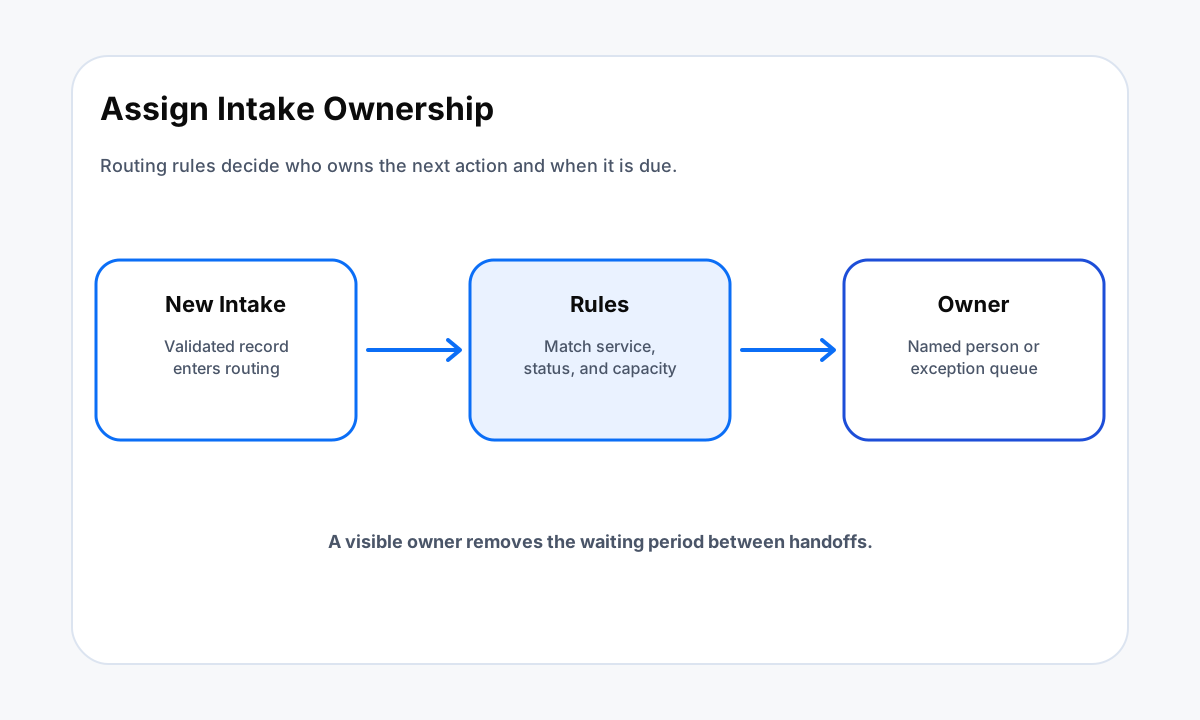
A shared inbox is a destination, not ownership. Once the intake is valid, assign it to a person or queue based on verified fields. Store the assignment time and next action. If no rule can choose an owner, route the record to an exception queue that has a named reviewer.
The next action should describe one finishable step: review fit, request one missing item, schedule a consultation, prepare a document, or approve kickoff. Do not create a chain of generic tasks that all say follow up. The record should tell the owner what must happen next and what state will prove completion.
If lead response is also a problem, connect this intake design to the slow lead response framework. If duplicate records are creating parallel owners, use the CRM data cleanup automation framework before expanding routing rules.
Measure Each Intake Handoff
Count completed state changes rather than emails sent or tasks created. A useful report can show how many inquiries reached record ready, owner assigned, information complete, approval complete, meeting booked, and kickoff ready. It can also show the current age of records stuck in each state.
Use the evidence to repair one cause at a time. If records wait before assignment, inspect routing rules and owner availability. If many records stop at info complete, the form may be asking for too little or the request process may be unclear. If records reach approval complete but kickoff waits, inspect the handoff into project setup or delivery.
For a broader intake build, compare this state model with the client intake automation checklist. The checklist helps find missing components, while this process focuses on reducing delay between those components.
Client Intake Speed Self-Diagnosis Checklist
Run one test inquiry through the current intake process and answer each question from the CRM, workflow log, or task system. Do not fill gaps from memory.
- Does the intake create or update one identifiable record without manual copying?
- Are the fields needed for routing present and structured?
- Does the workflow detect a duplicate or existing client before creating parallel work?
- Can incomplete records enter a visible exception state?
- Does every valid intake get one owner or queue?
- Is there a due next action tied to a clear completion state?
- Are human decisions separated from repeatable system actions?
- Can the team report how long records spend in each intake state?
- Can a delivery team see when a client is kickoff ready without reading the original email thread?
If several answers are no, repair the state model and the handoffs before adding more notifications. More alerts do not fix an intake process that cannot identify who owns the record or what must happen next.
Sources
Frequently Asked Questions
What slows client intake in a professional service firm?
Client intake slows when information must be copied between systems, ownership is unclear, required fields are missing, approvals sit in inboxes, or the next action has no due state. The fix starts by making each handoff visible and assigning one owner to each state.
What should a client intake form collect?
Collect only the information needed to route and start the next approved step. That often includes contact details, service requested, company or matter context, source, and any qualification fields the firm has defined. Sensitive or high-risk information should follow the firm rules for that data.
Should intake automation create a task after every form submission?
Not always. The workflow should first validate the submission, check for an existing record, and determine the correct owner or exception path. A task is useful when a person must make a decision or complete an action that the system cannot finish on its own.
How should duplicate intake submissions be handled?
Match against stable identifiers such as email, phone, account, or another approved key before creating a second active record. If a match exists, update or route the existing record according to the firm rules and preserve the new submission as evidence.
How do you measure client intake speed?
Track timestamps for inquiry received, record created or updated, owner assigned, required information complete, approval complete, meeting booked, and kickoff ready. These states show which handoff is creating delay without relying on memory or anecdotal feedback.
Related Resources
Intake still waiting on people?
Map the handoffs before adding more software.
Help With Automation can review the intake states, CRM fields, ownership rules, exception paths, and measurement plan behind your current process.
Talk through the workflow