
CRM Automation
Negative Review Response Automation

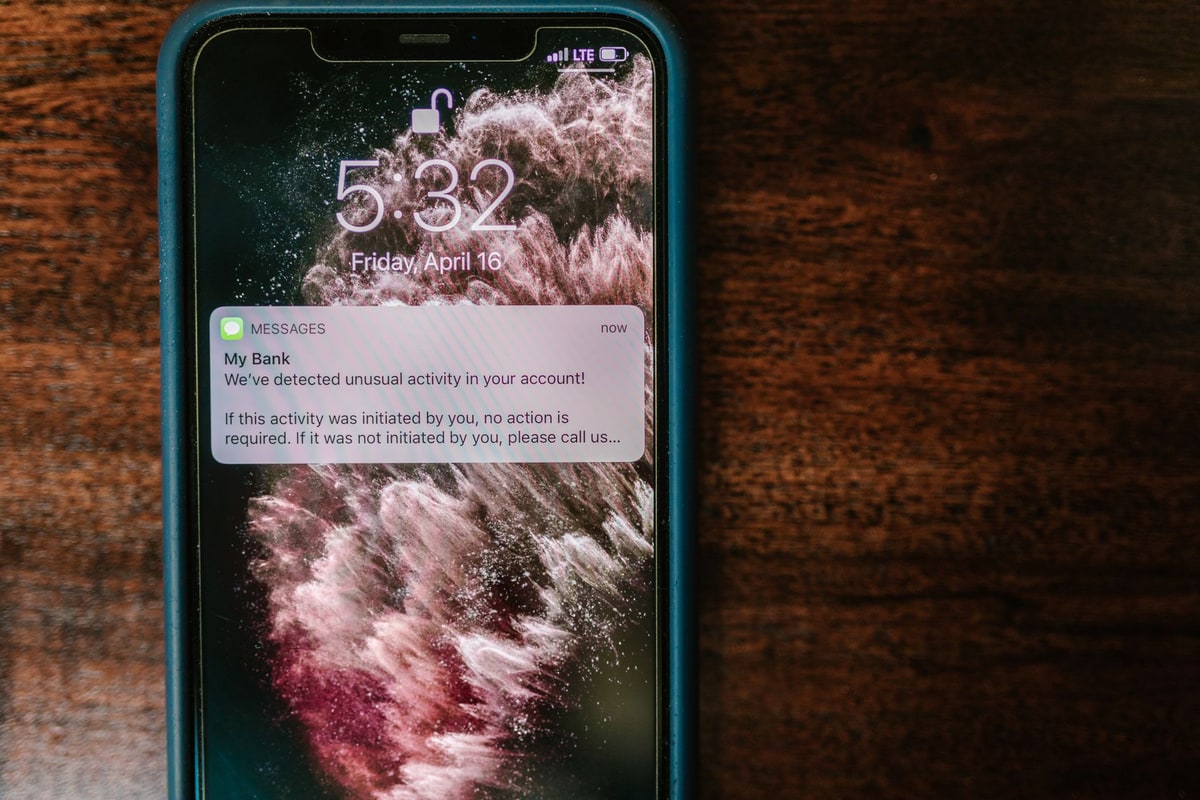
A one-star review lands on a Tuesday night. The owner sees it Sunday, drafts a reply in a hurry, and posts something defensive. By then, hundreds of potential customers have already read the complaint with no response underneath it. That silence reads as indifference, and indifference loses jobs.
This is the pattern negative review response automation exists to break. Reviews are monitored around the clock, a reply is drafted within minutes, and the owner approves it before anything goes public. This guide covers what slow responses cost, the four-stage workflow that fixes it, and what to automate versus what to keep human.
For the broader picture of keeping customer communication consistent, see our CRM automation services.
TL;DR
- 97% of consumers read reviews before choosing a local business, and 19% expect a same-day reply to any review they post (BrightLocal, 2026).
- An unanswered negative review sits visible for months, telling every future customer that complaints go unheard.
- The workflow: monitor every platform, classify sentiment, draft a reply in your voice, and hold it for approval before posting.
- Automate detection and drafting; keep approval and the final send human, especially on negative reviews.
What happens when a negative review goes unanswered?
The rest of this guide walks through what slow responses cost, the workflow stage by stage, and the line between what to automate and what to keep human. If slow follow-up is also costing you quotes, our guide to why quotes go cold without follow-up automation covers the same leak from the quoting side.
The real cost of slow review responses
BrightLocal's 2026 Local Consumer Review Survey put numbers on the pressure. 97% of consumers read reviews before choosing a local business, and 31% will only use a business rated 4.5 stars or higher.
Expectations on speed keep rising: 19% of reviewers now expect a same-day response, up from 6% a year earlier, with another 32% expecting a reply by the next day.
That means more than half of the people who review you expect an answer within 24 hours. Most small businesses answer in days, if they answer at all. The gap between expectation and reality is where reputation quietly leaks.

The four-stage review response workflow
The workflow has four stages. Each one is simple on its own; together they mean no review waits more than a few hours for a thoughtful reply.
- Monitor. Every new review across Google, Yelp, and Facebook lands in one inbox within minutes of posting. No platform goes unchecked, and nothing depends on someone remembering to look.
- Classify. Each review is tagged positive, neutral, or negative. Positive reviews get a thank-you path; negative ones get routed to the careful path below.
- Draft. A reply is drafted in your business's voice using the review's specifics: the service mentioned, the staff member named, the issue raised. The draft is a starting point, never the final word.
- Approve and post. You review the draft on your phone, edit if needed, and approve. Approved replies post automatically. Negative reviews always wait for a human eye; nothing defensive goes out on autopilot.

What to automate and what to keep human
Automation handles detection and drafting. Humans handle judgment. The table below draws the line.
| Task | Automation does | You do |
|---|---|---|
| Spotting new reviews | Checks every platform every few minutes | Nothing |
| Drafting replies | Writes a first draft in your voice | Edit the tone on sensitive ones |
| Positive reviews | Queues a thank-you for quick approval | Skim before it goes out |
| Negative reviews | Drafts and flags for review | Approve every word before posting |
| Fake or abusive reviews | Flags the likely policy violation | Report it and reply calmly meanwhile |
The rule is simple: automate the watching and the writing, never the judgment. A calm human reply to a harsh review can win back the reviewer and impress everyone who reads it later. For the review-request side of reputation, see our guide to automated review requests.
The review triage checklist
Use this checklist to set up the workflow in an afternoon. It is the same triage pattern we install for service businesses, written as steps you can hand to anyone on the team.
- Connect every review platform to one monitoring inbox: Google, Yelp, and Facebook at minimum.
- Set a response target: same day for negative reviews, within 48 hours for positive ones.
- Write three reply templates: thank-you, neutral acknowledgment, and negative-review recovery.
- Route every negative review to a human approver before anything posts.
- Log every reply and its outcome; review the log monthly for recurring complaints.
- When a complaint repeats, fix the underlying process, not just the reply.
Frequently asked questions
Should I respond to every review?
Yes. Responding to every review shows future customers the business is actively managed, and it gives search engines a reason to treat the profile as current. Thank positive reviewers by name and mention the service they used. Answer negative reviews calmly and move the conversation offline.
How quickly should I respond to a negative review?
Aim for the same day. BrightLocal's 2026 survey found 19% of reviewers expect a same-day response, up from 6% a year earlier, and another 32% expect one by the next day. A fast, calm reply matters more than a perfect one.
Can I get a bad review removed from Google?
Only if it violates Google's policies: spam, fake content, or abusive language. Google does not remove reviews just because they are negative. While an appeal is pending, post a calm public reply so future customers see the complaint was heard.
What should I say in a negative review response?
Acknowledge the feedback, apologize for the experience without admitting fault, and invite the reviewer to contact you directly. Keep it short and factual. Never argue in public: other customers are reading your reply as much as the review.
Can automation really handle something this personal?
Automation handles the watching and the drafting, not the judgment. The system detects new reviews and prepares replies in your voice, but you approve every word before it posts. That combination means nothing slips through and nothing careless goes out.
Sources
Feature claims were checked against current review-platform documentation on 2026-10-05, and consumer expectations come from the surveys cited below. Editorial method: every claim above is confirmed by at least one source below; anything no source could confirm was left out. Statistics are the publishers' reported figures, not HWA measurements.
- Google Business Profile Help: Tips to get more reviews (official guidance on reading and responding to customer reviews)
- CUFinder: Online Review Statistics 2026 (roundup citing BrightLocal 2026: 97% read reviews, 19% expect same-day response, 31% require 4.5+ stars)
- The Valley Marketing Group: BrightLocal 2026 review survey findings for service businesses (response-time expectations, star-rating thresholds)
- Andris: How to Respond to Customer Reviews Using AI (detect, sentiment check, AI draft, human approval, post via Google Business Profile API)
- Search Engine Land: Google Business Profile FAQs (respond to violating reviews politely; Google removes policy violations, not disliked reviews)
Each guide is written from hands-on automation implementation work with service businesses. We verify setup and tool claims against live sources, and update guides when the market moves.